
What it does
Zuriva combines quick photo enhancement with editing tools for the parts you want to change yourself. Sharpen a soft shot, brighten an old picture, erase a distraction or replace its background. Photo processing happens on your device, and a before/after slider lets you decide whether to keep the result.
Highlights
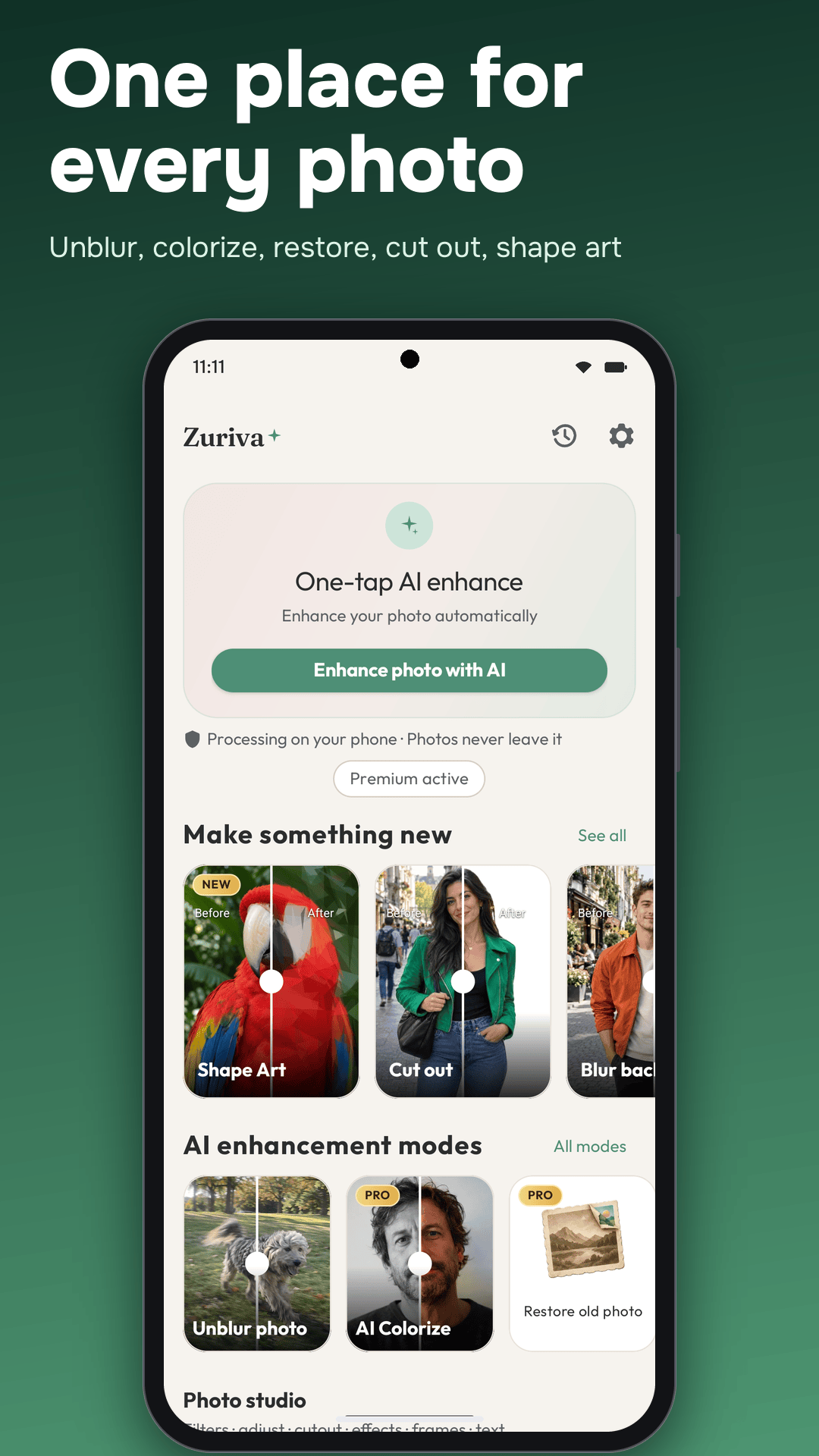
- AI Auto: adjusts contrast, color and detail in one pass
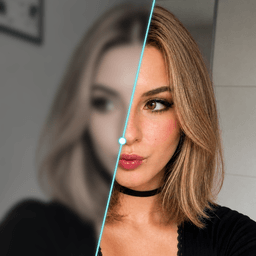
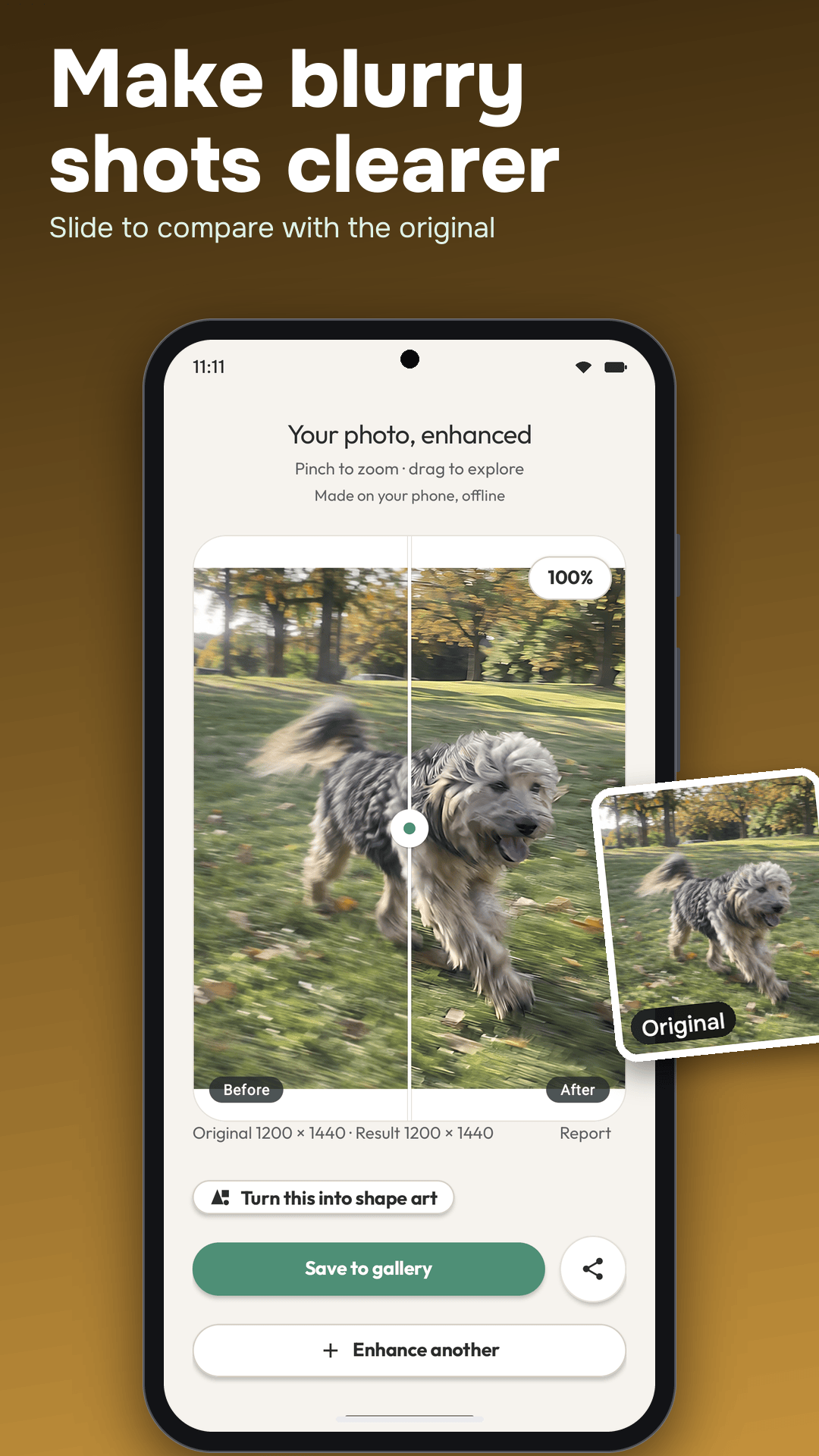
- AI Sharpen & Unblur: improve the appearance of soft or blurry images
- AI HDR: balanced highlights and shadows for rich, dynamic results
- AI Portrait: adjust portrait detail and skin smoothing
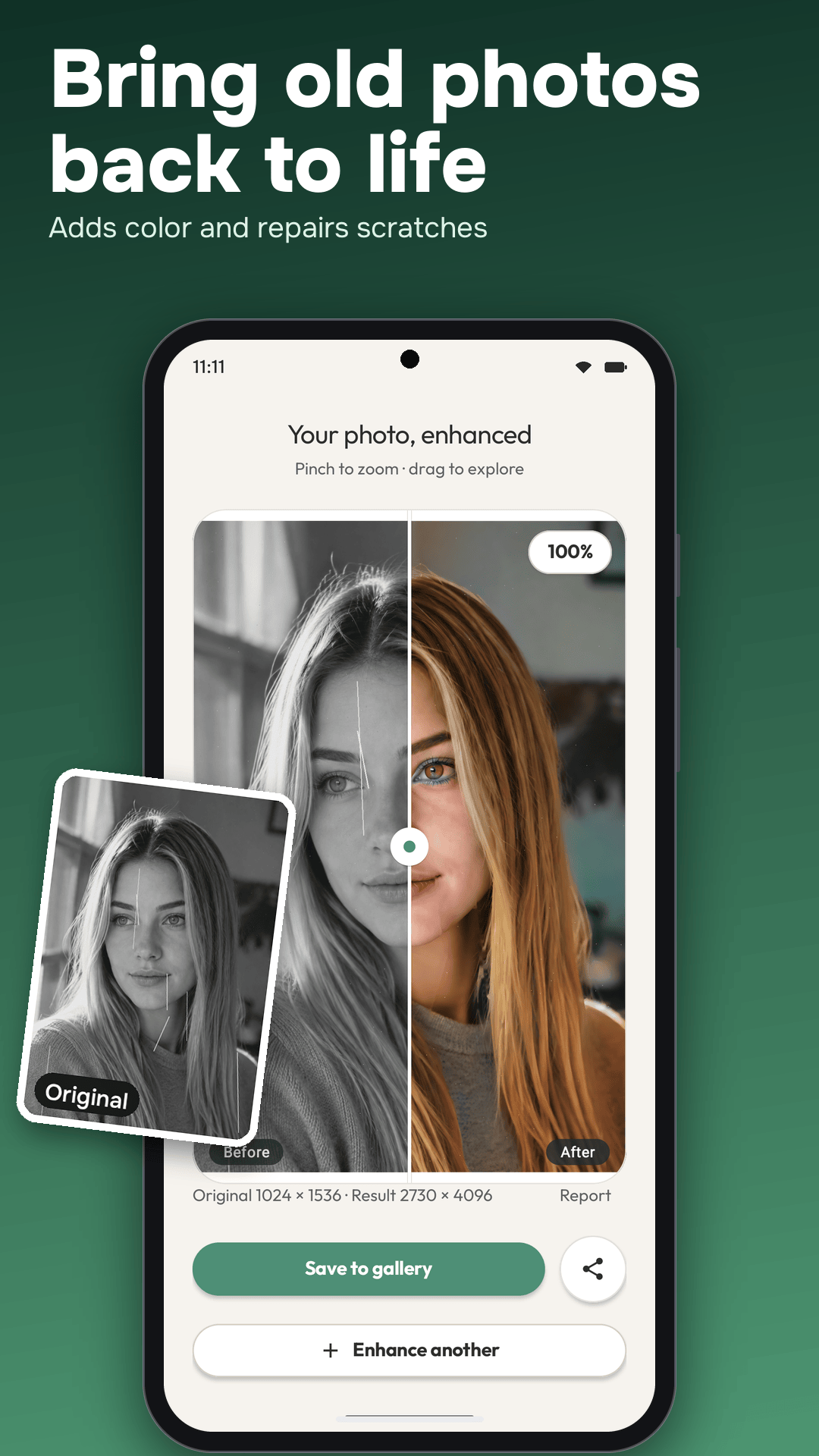
- AI Color Boost: add predicted colors to black-and-white and sepia pictures, or boost faded color photos
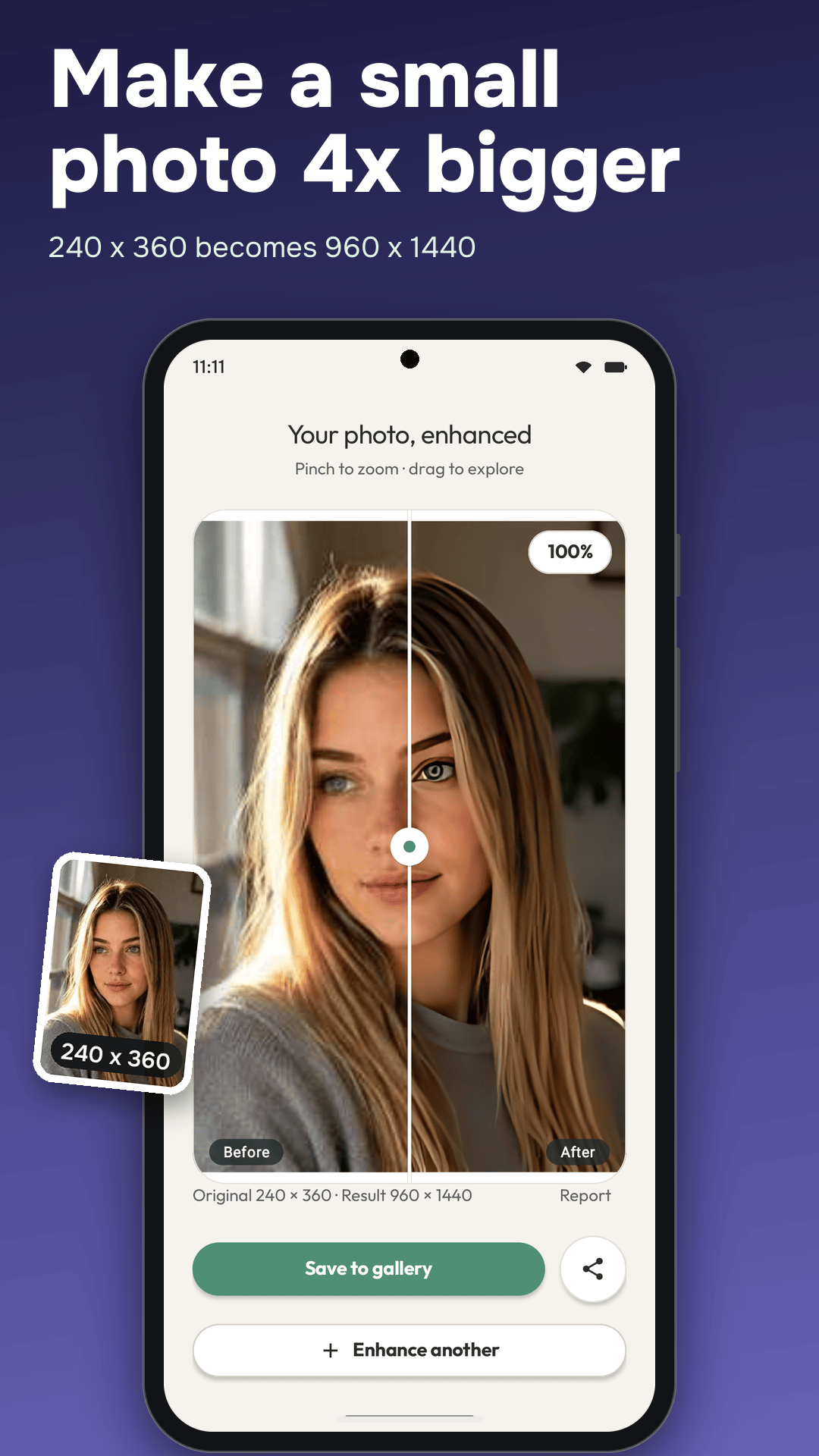
- AI Restore 4×: upscale small images for a larger result
- Restore Old Photo: enhance faded and low-resolution family pictures
- Object Eraser: brush over people, objects or clutter you want to remove
- Background tools: create a transparent PNG cutout or choose a replacement color, gradient or photo
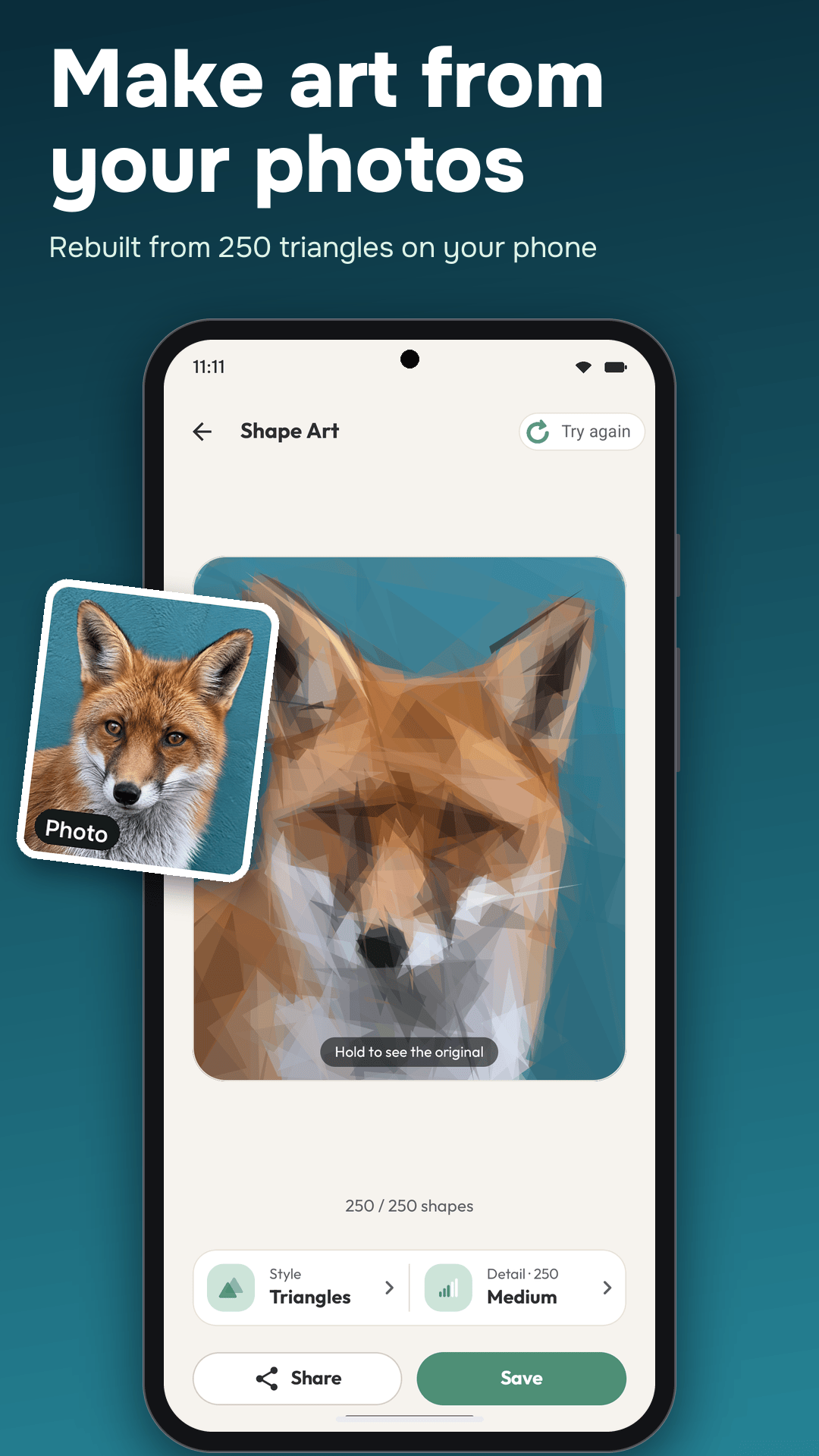
- Cartoonify: try 3D Toon, Anime, Hand-drawn, Sketch and Art styles
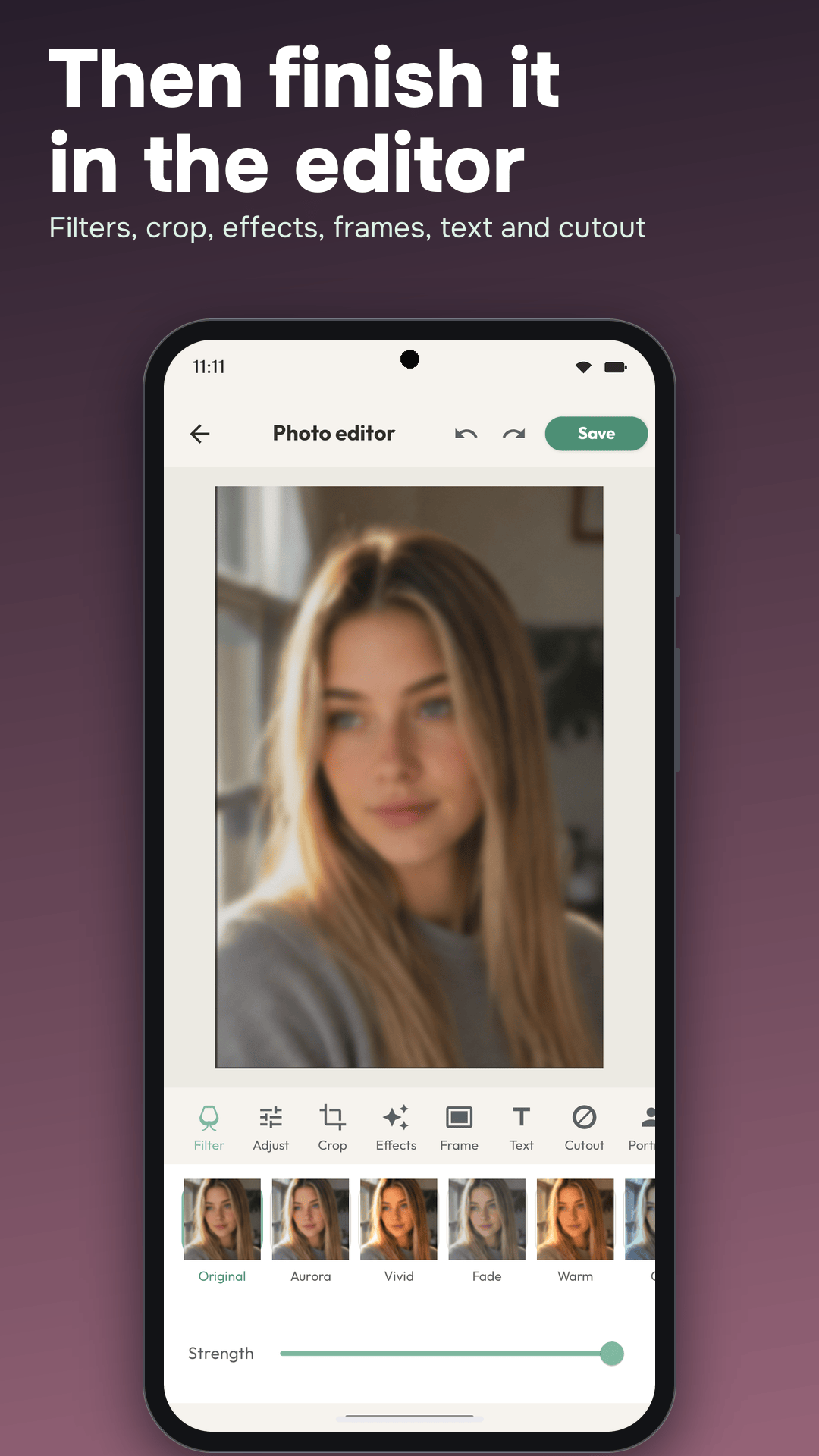
- Full editor: 40+ color filters, adjustments, crop, rotate, effects, frames, text and portrait retouch
- On-device & private: your photos never leave your phone
- Before/after slider + history: see every change, restore the original anytime
Made for
- Bringing old family photos back to life
- Instagram, TikTok and Reels-ready posts in seconds
- Profile pictures and portraits with a different background
- Product and marketplace photos with fewer distractions
- Comparing enhancements before deciding what to share
Enhancement and colorization can change details. Keep the original, especially for family archives or photos where accuracy matters.
Try it on the web first
No install needed. Sharpen a photo in your browser (nothing is uploaded), or read how to unblur a photo on Android and how to restore old photos on your phone.