

What it does
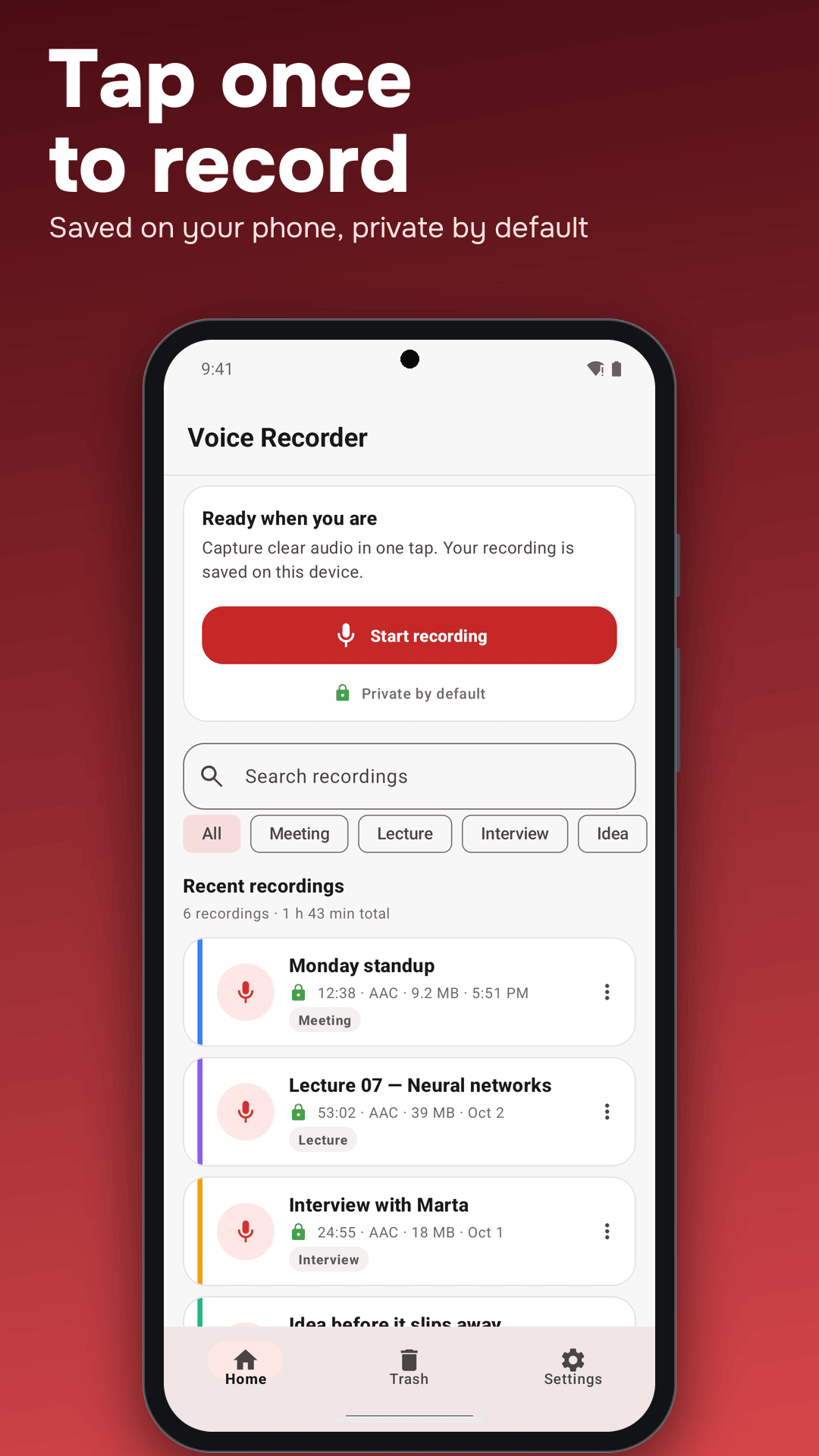
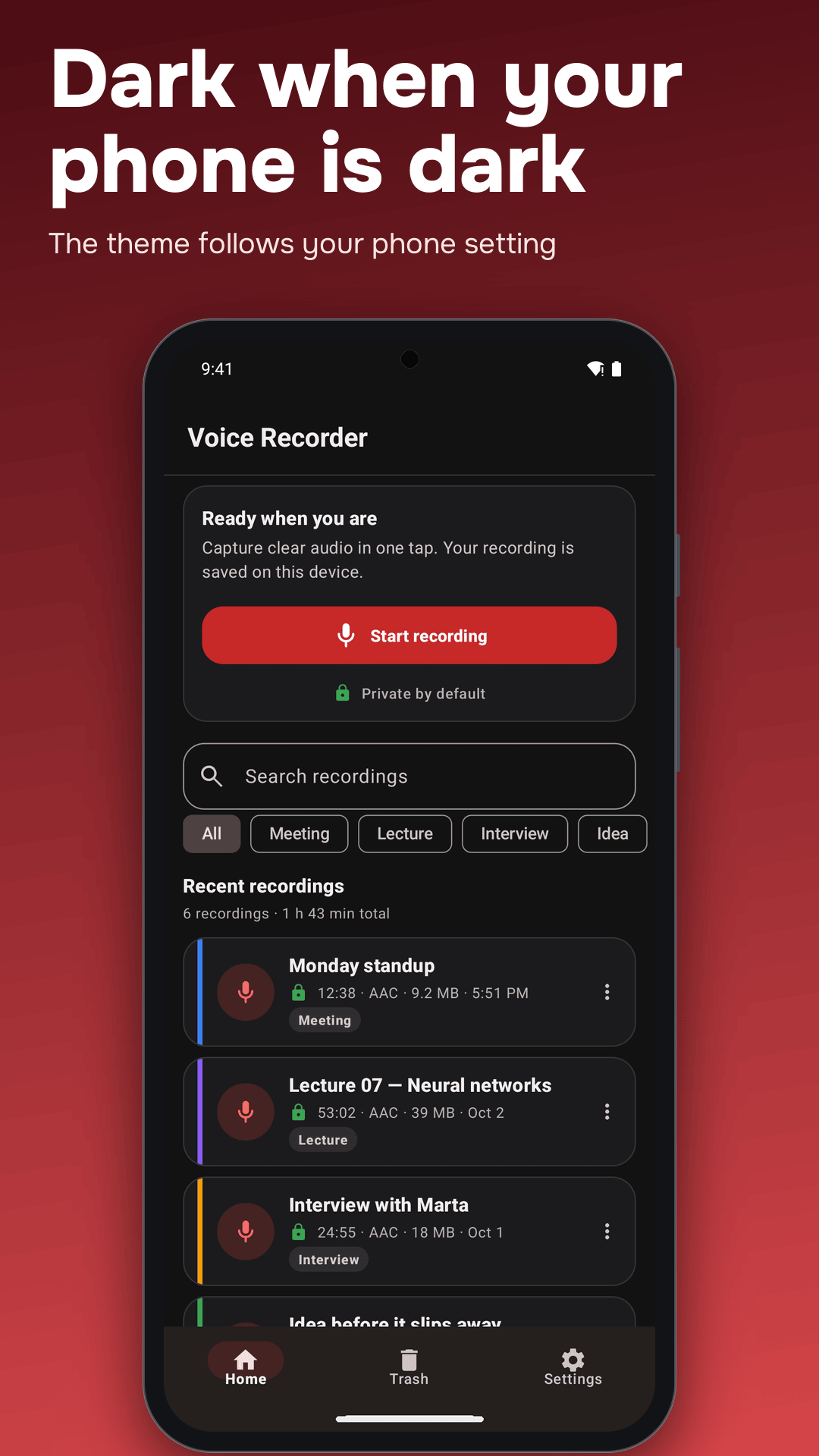
Voice Recorder starts recording with one tap, in the app or from the Quick Settings tile. It keeps going while you use other apps or lock the screen, shows a live level meter and timer, and saves everything on your phone with no account and no cloud upload.
Highlights
- One-tap recording: keeps recording in the background; interrupted files are recovered
- Audio options: AAC out of the box, MP3, WAV and FLAC with Pro; 16, 44.1 or 48 kHz, mono or stereo
- Cleanup tools: noise suppression, echo cancellation and automatic gain control where the device supports them, plus input gain
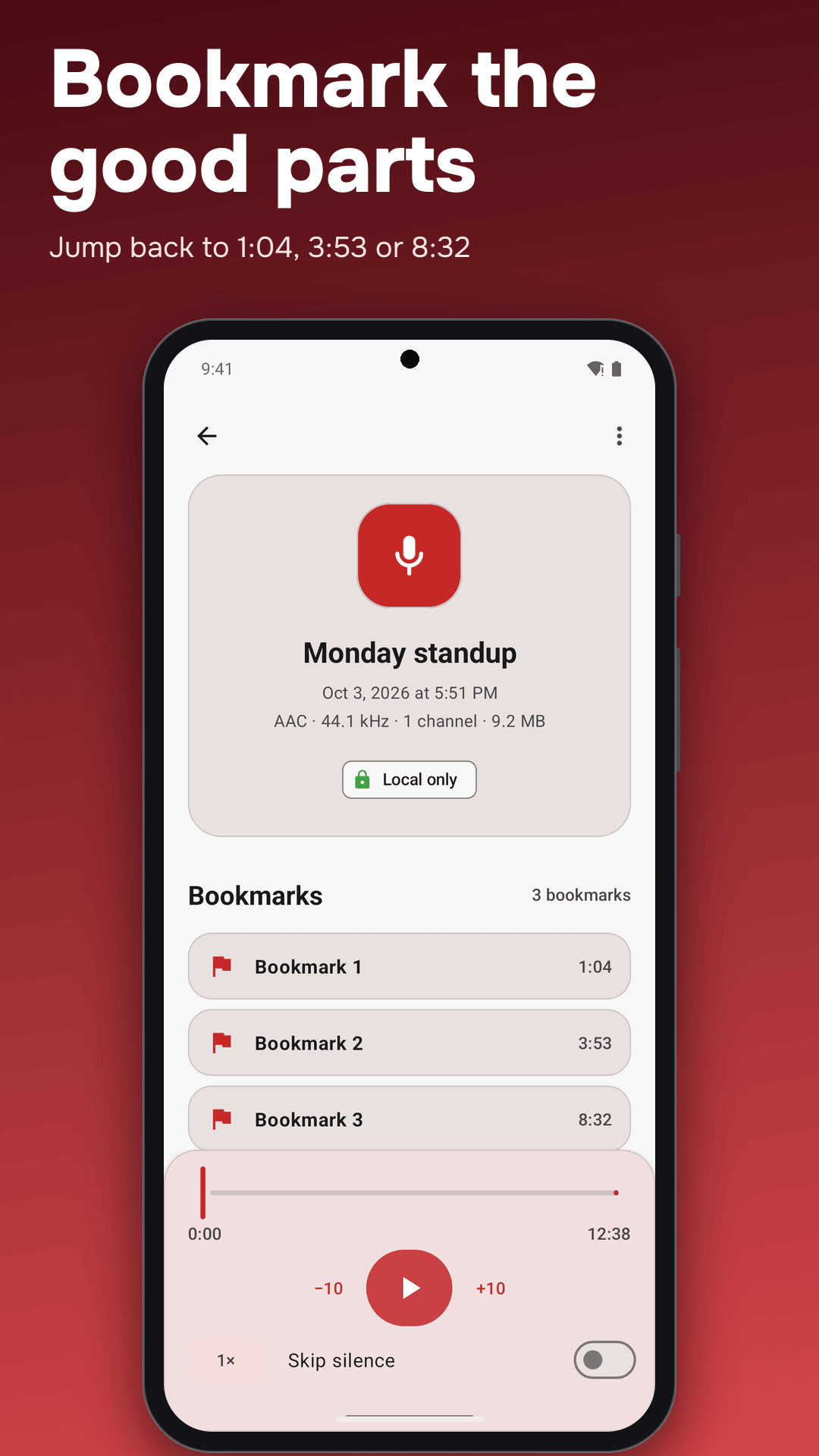
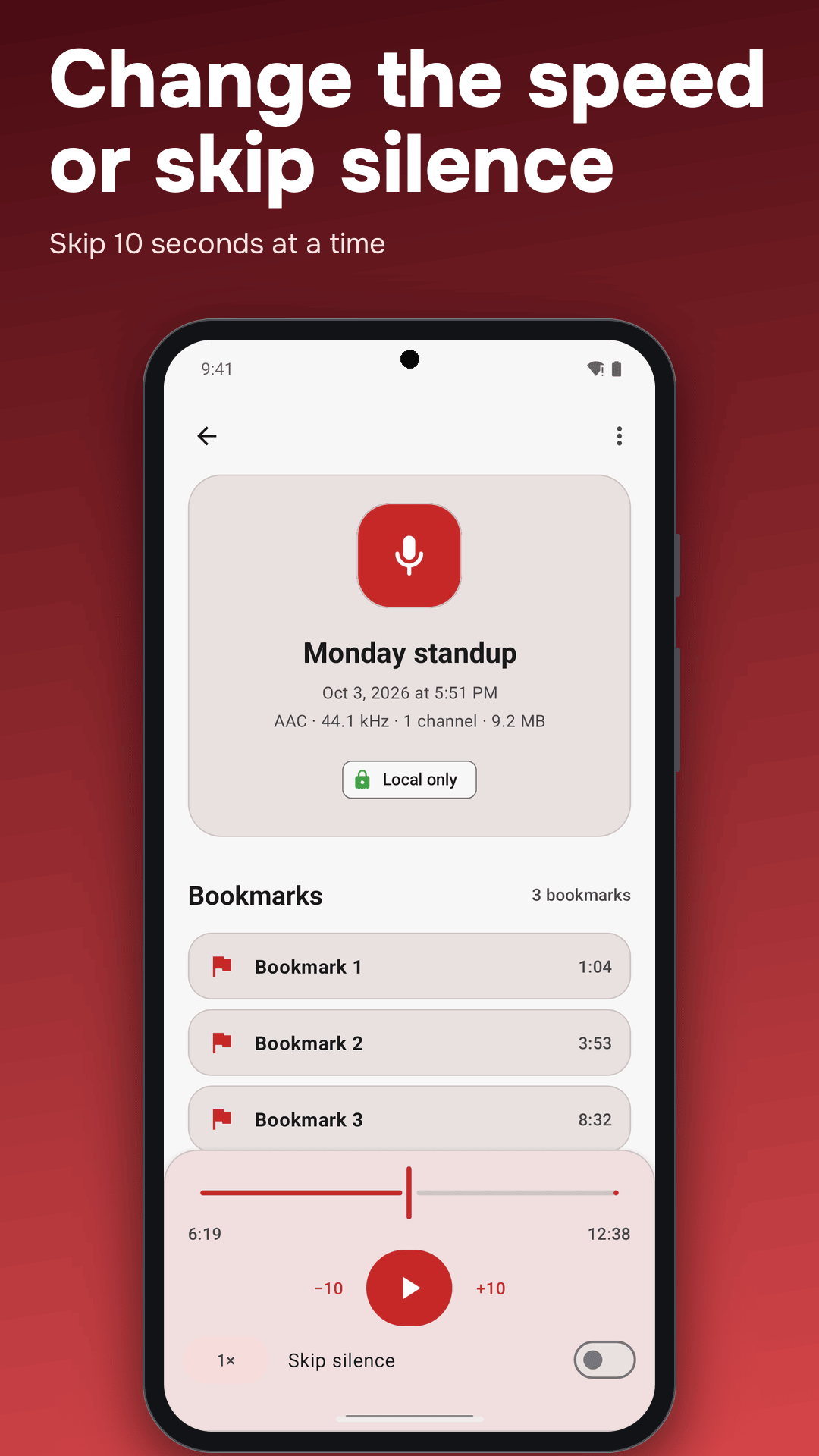
- Bookmarks: mark the moments that matter while recording or listening and jump back to them
- Playback: skip silence and 0.5x to 2x speed
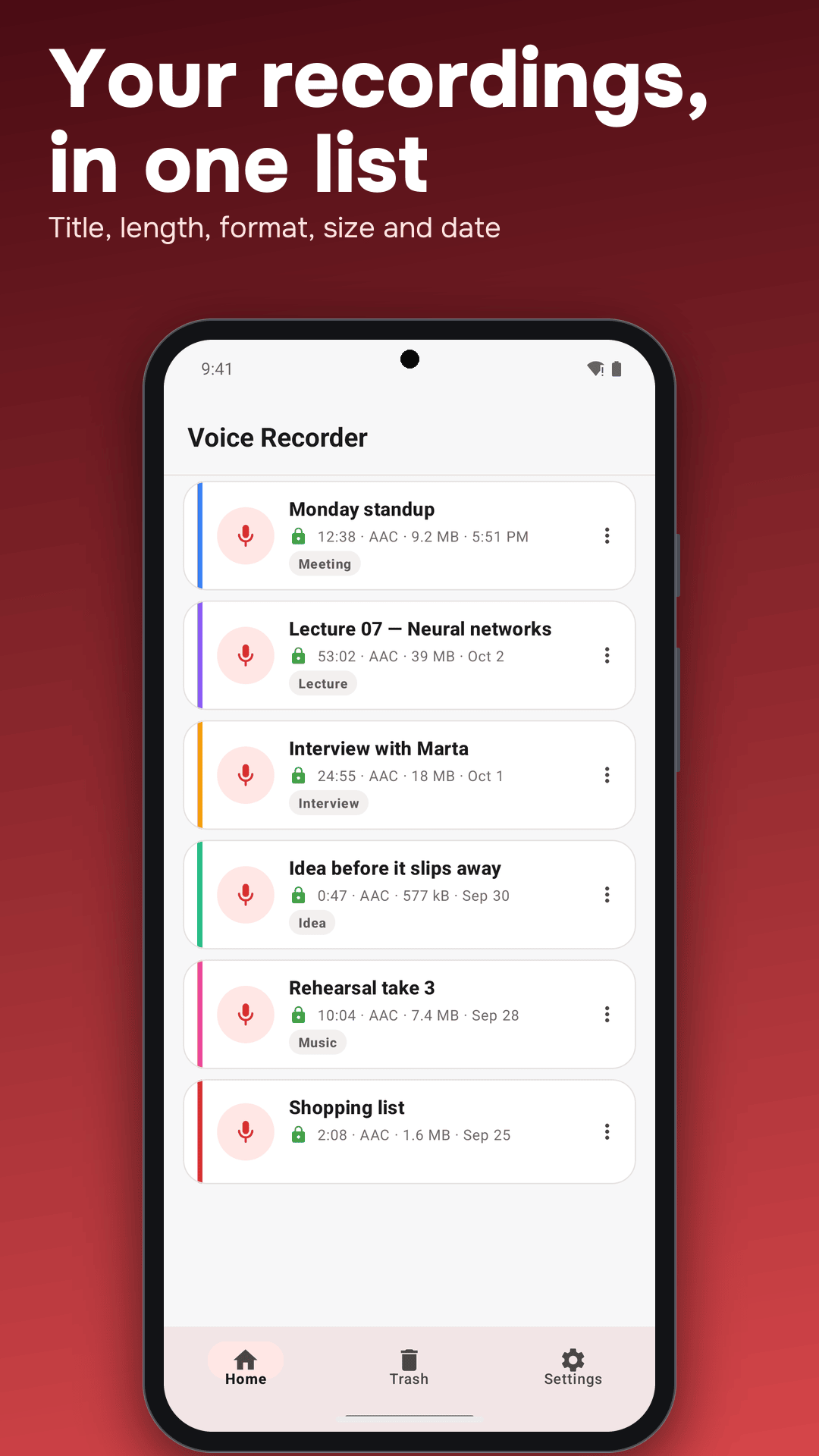
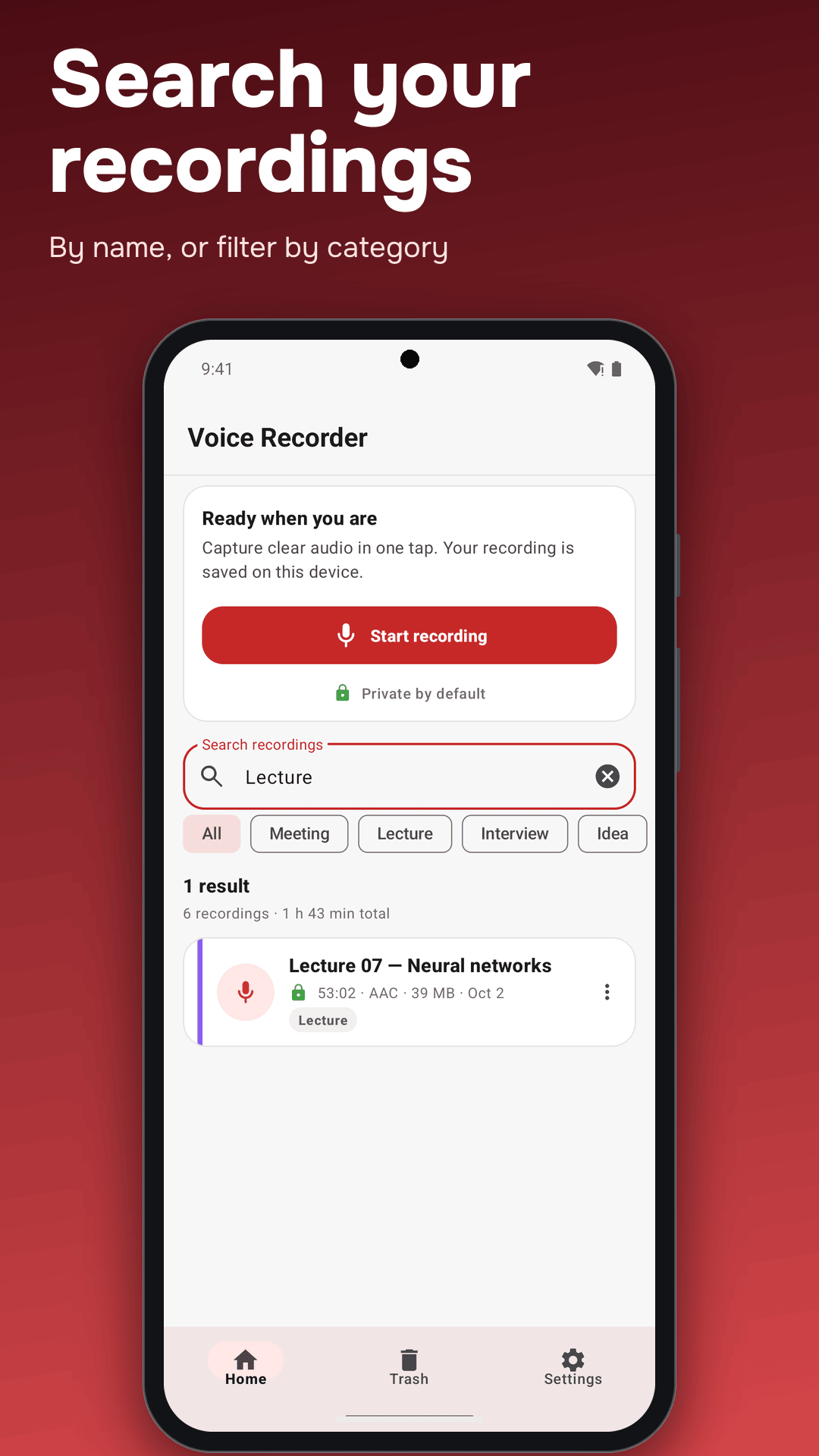
- Organize: categories, search, rename, share, export to your Recordings folder or set as a ringtone
- Trash: deleted recordings are kept for 30 days
- Private by default: recordings stay in the app’s private storage
Made for
- Students recording lectures and seminars
- Journalists and researchers recording interviews
- Teams capturing standups and meeting notes
- Anyone who needs a quick voice memo while the thought is still there
Also on Android
Studying from recorded lectures? AskPDF summarizes the matching slides or papers and answers questions about them.