
What it does
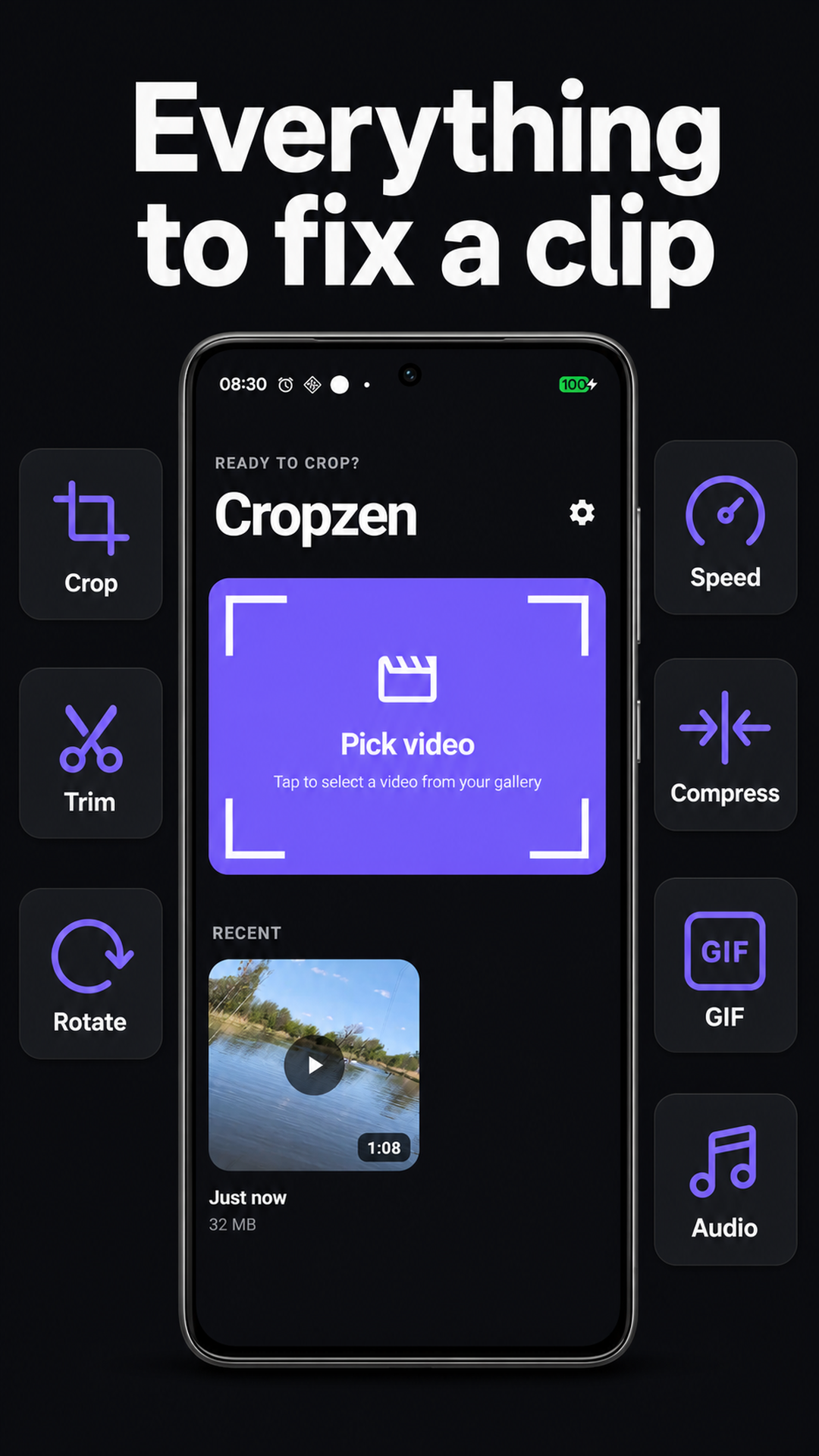
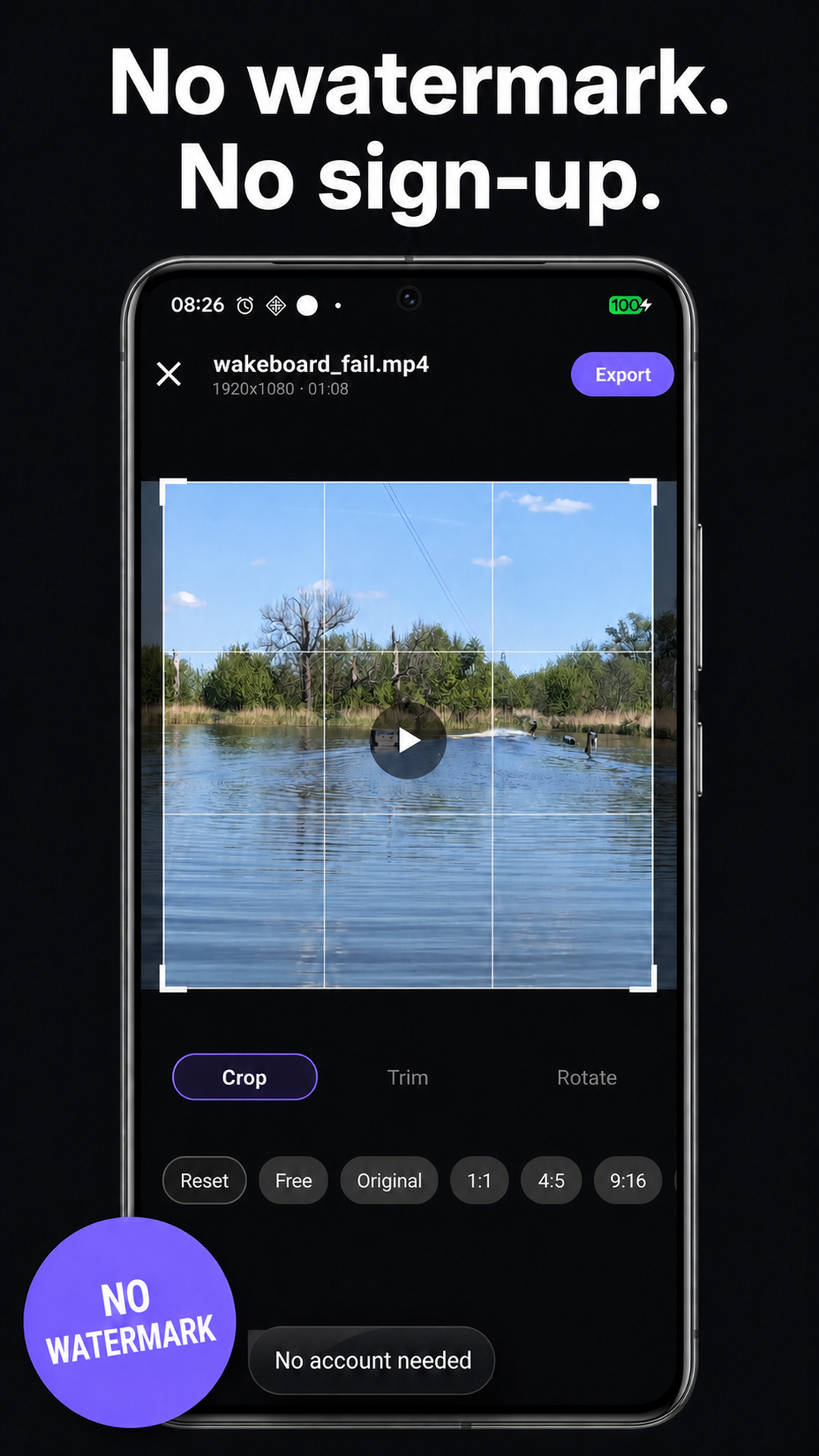
Cropzen is a video cropper and trimmer for the clips you want to share today. Open a video, reframe it for the platform you’re posting to, trim its beginning and end, and export. Everything is processed on your phone, with no account or watermark.
Highlights
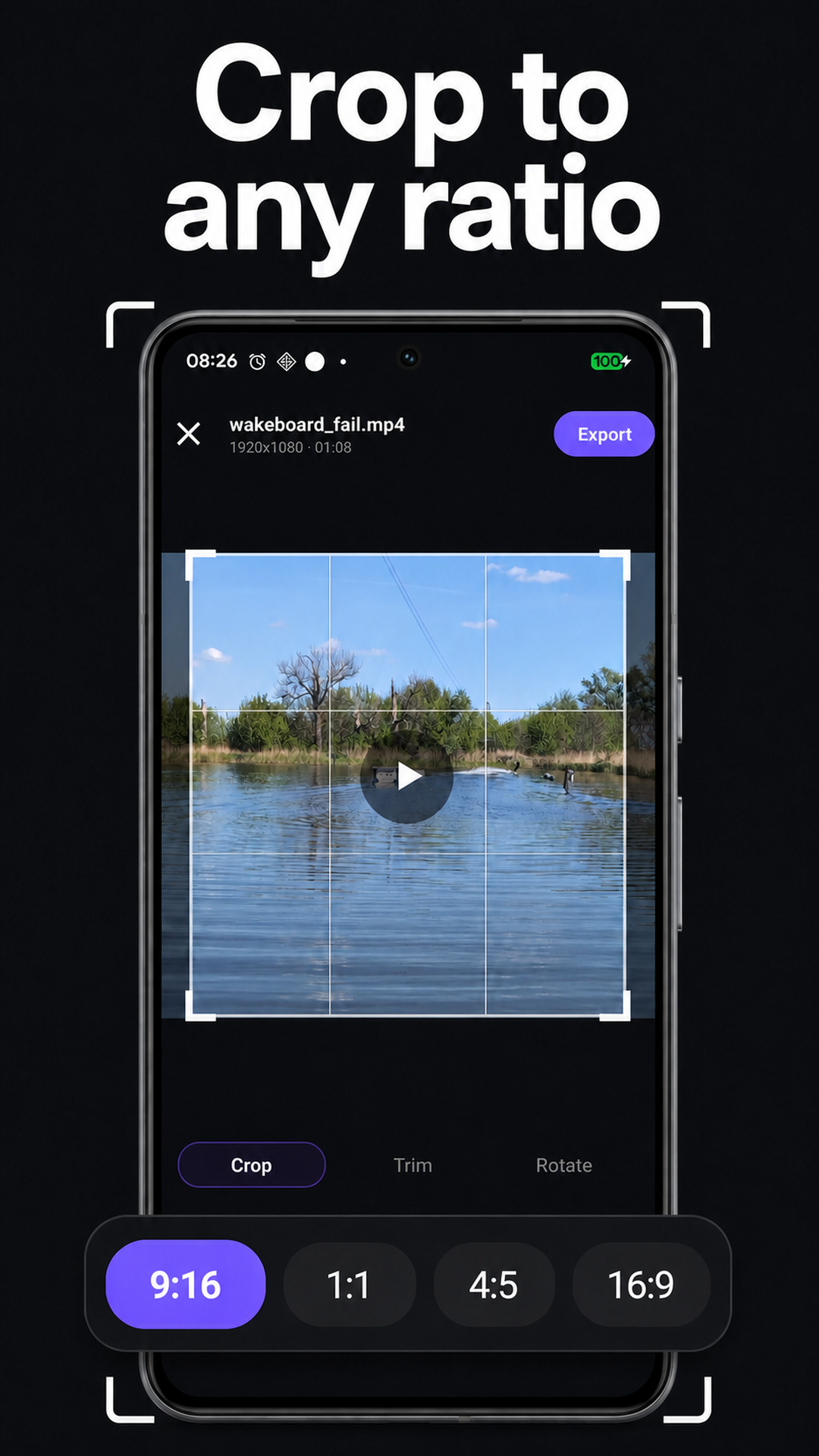
- Crop video: use a freeform crop or lock to an aspect ratio
- Reframe with a pinch: snap to 9:16, 1:1, 4:5 or 16:9 for Reels, Shorts, TikTok or the feed
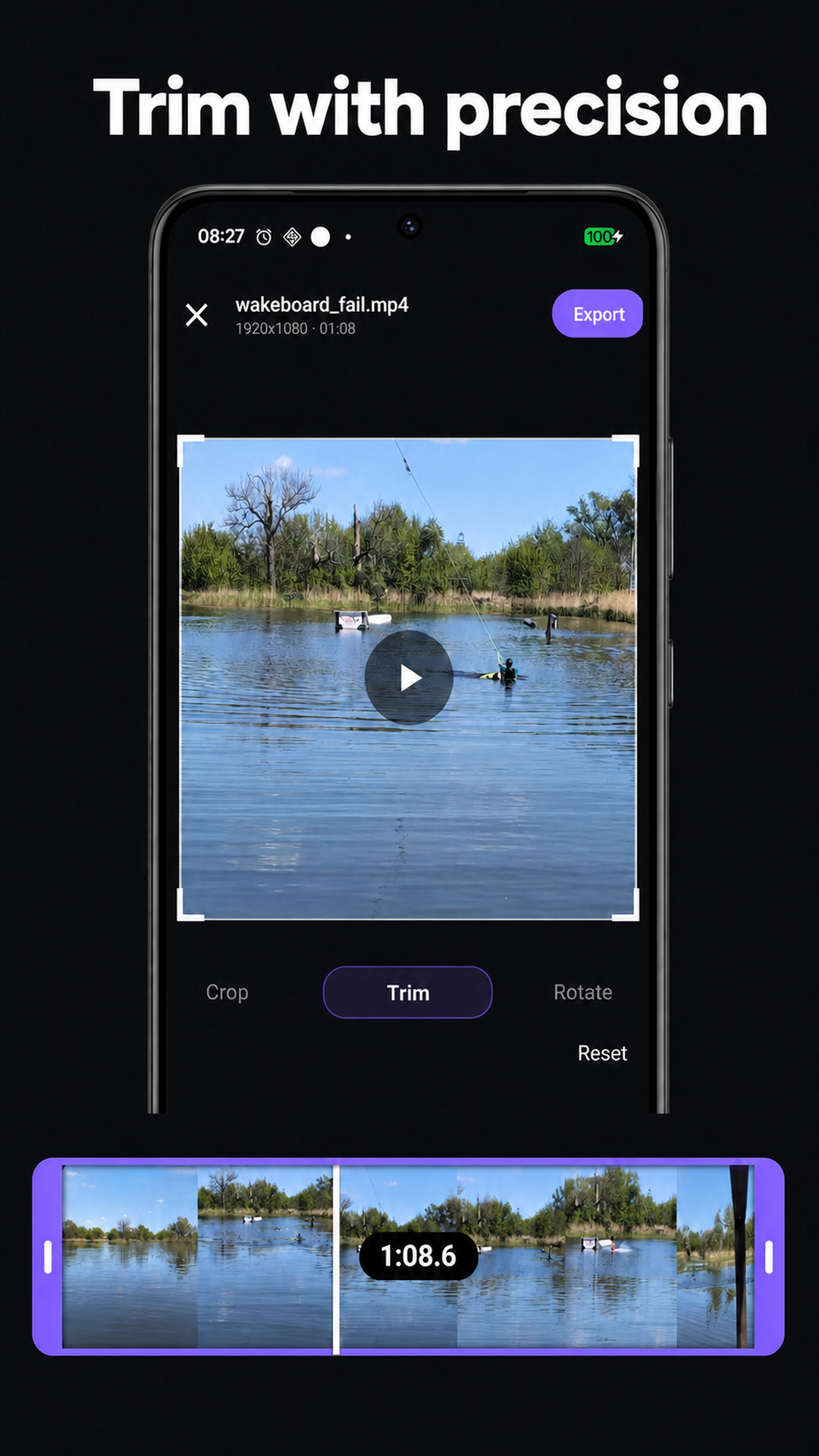
- Frame-accurate trim: drag to the exact frame you want
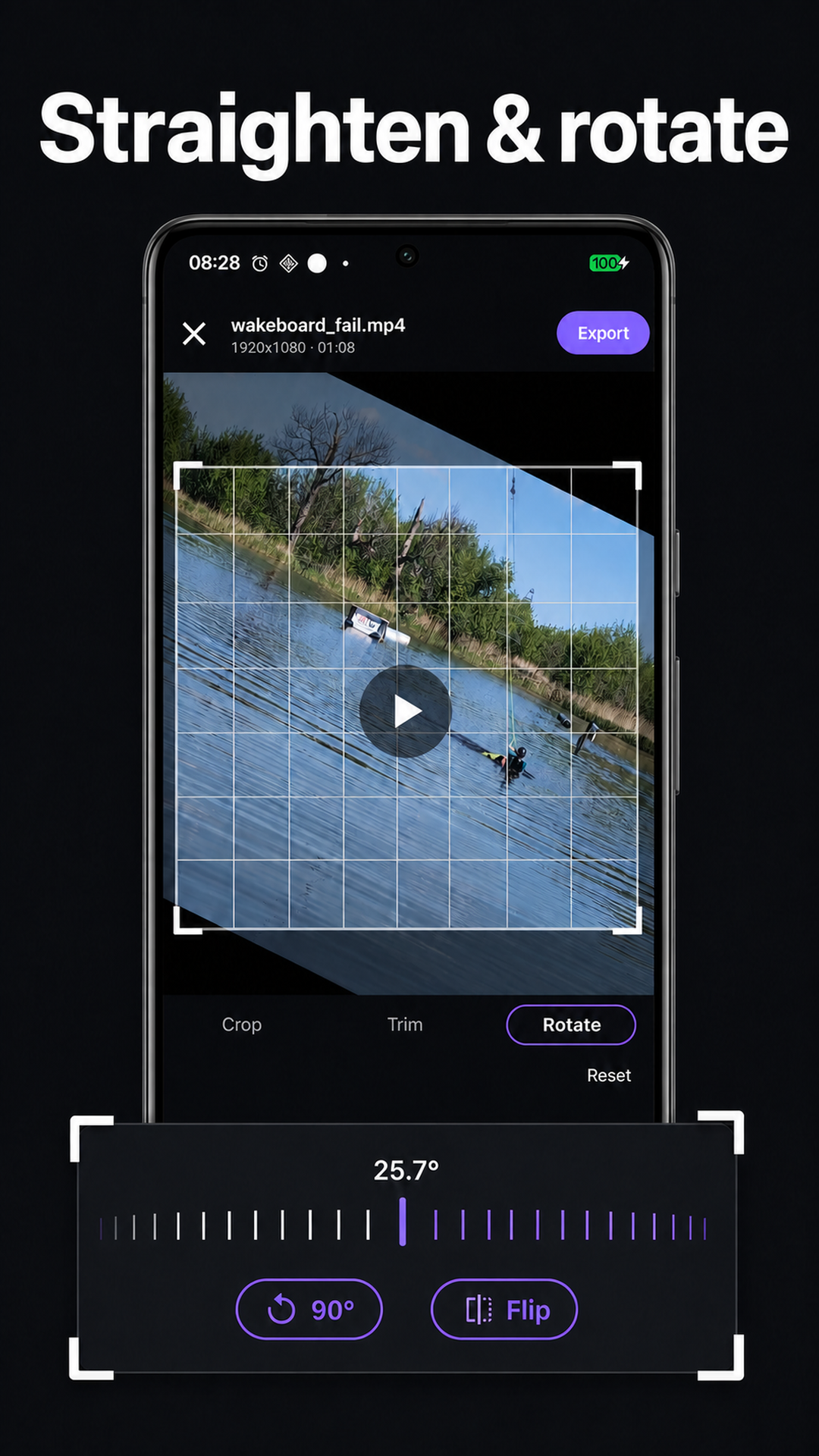
- Straighten & rotate: rotation wheel, flip, and 90° turns
- Batch crop and resize: apply the same aspect ratio to several videos from a shoot
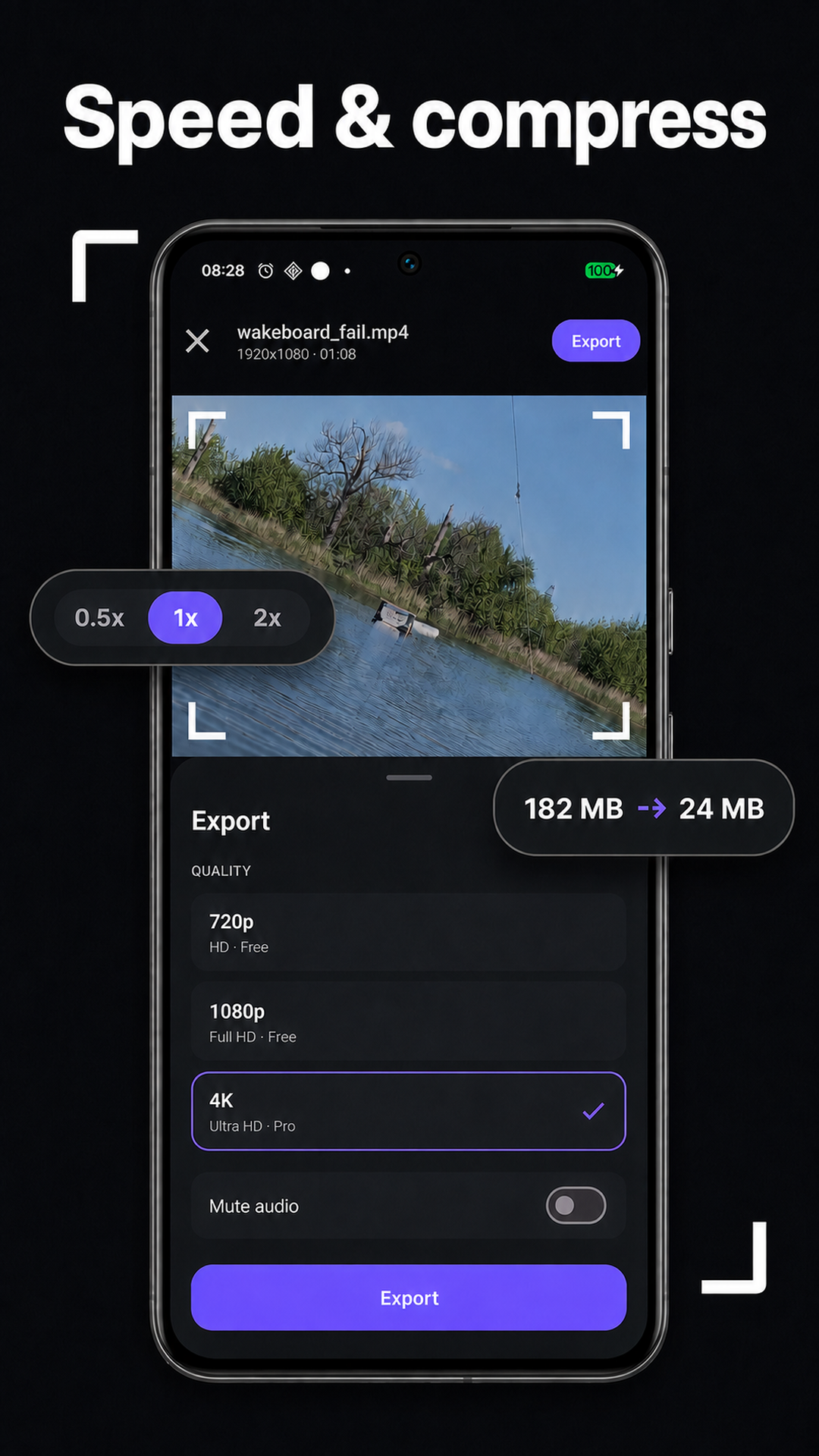
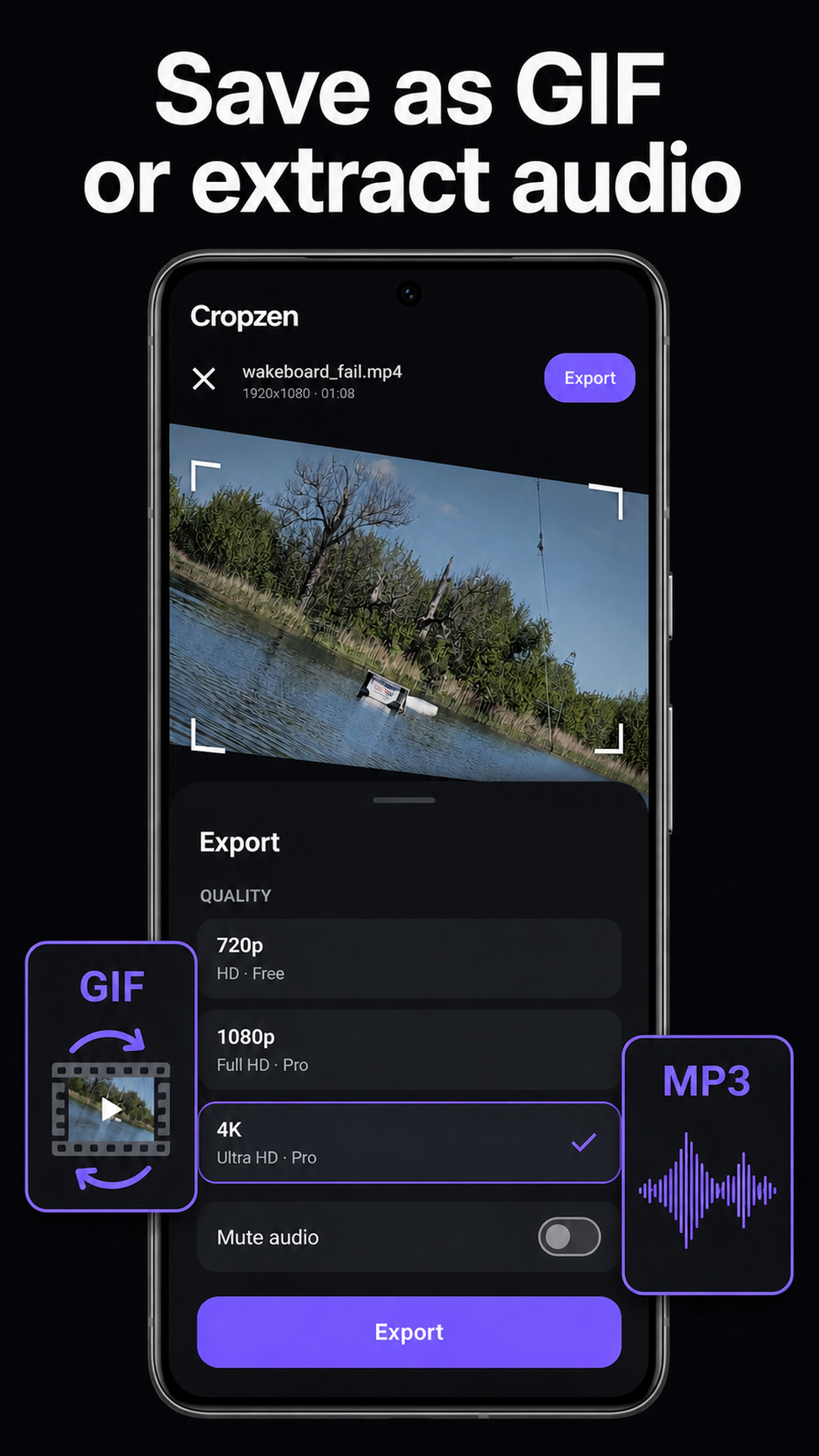
- More ways to export: change speed, compress a clip, save a GIF or extract audio
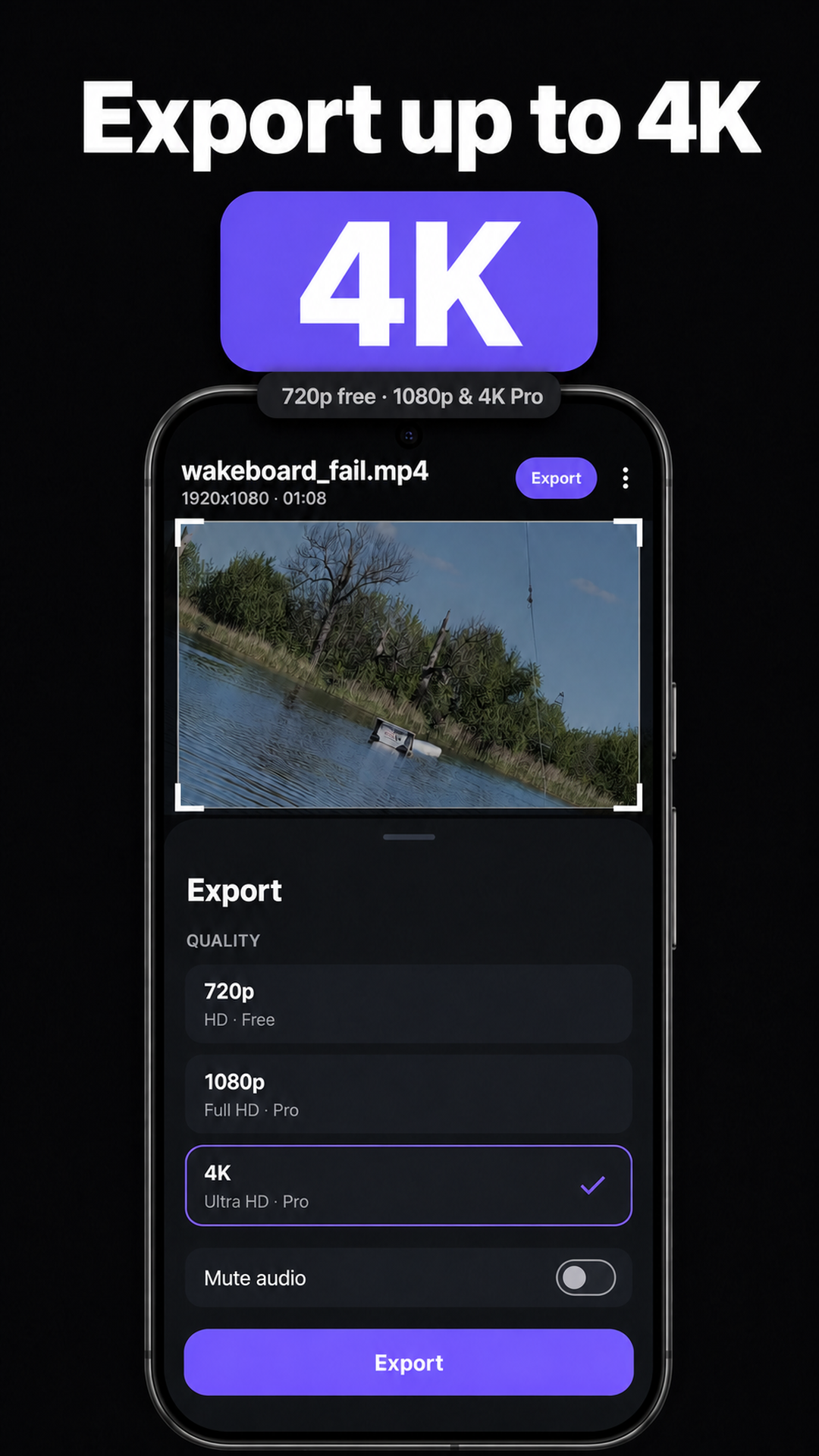
- Free 1080p export: no daily limit and no watermark; Pro adds 4K
- On-device processing: your videos stay on your phone
Made for
- Quickly reframing clips for Reels, Shorts and TikTok
- Trimming the dead air off the front and back of a take
- Anyone who wants a fast crop and trim without a full video editor
Check the size before you shoot
Our free video size reference lists the exact pixel dimensions and interface safe zones for Instagram Reels, TikTok, YouTube Shorts and seven more surfaces, with a calculator that turns your source footage into an exact crop box.
For a worked example, read how to crop a horizontal video to vertical on Android.