

What it does
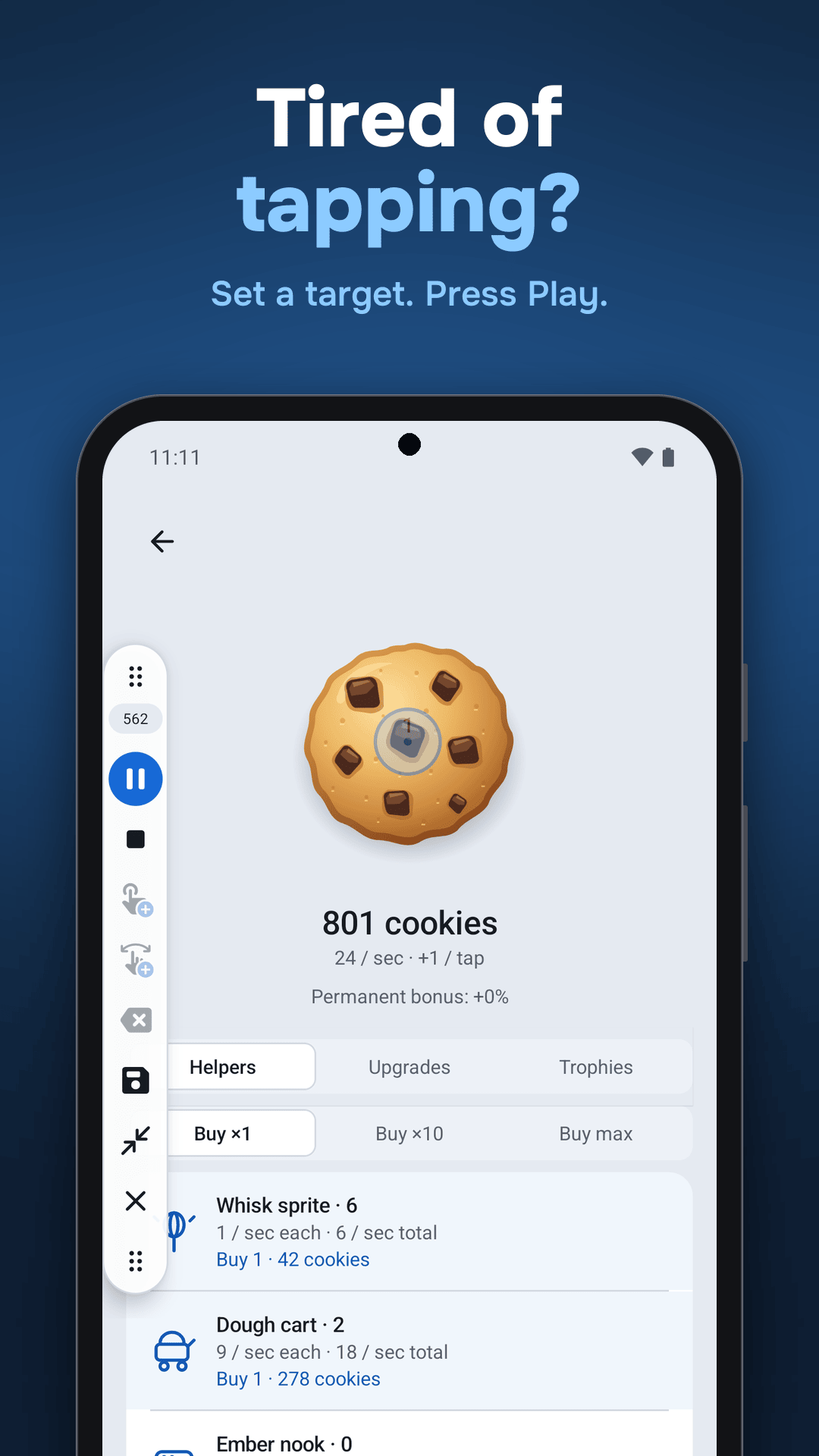
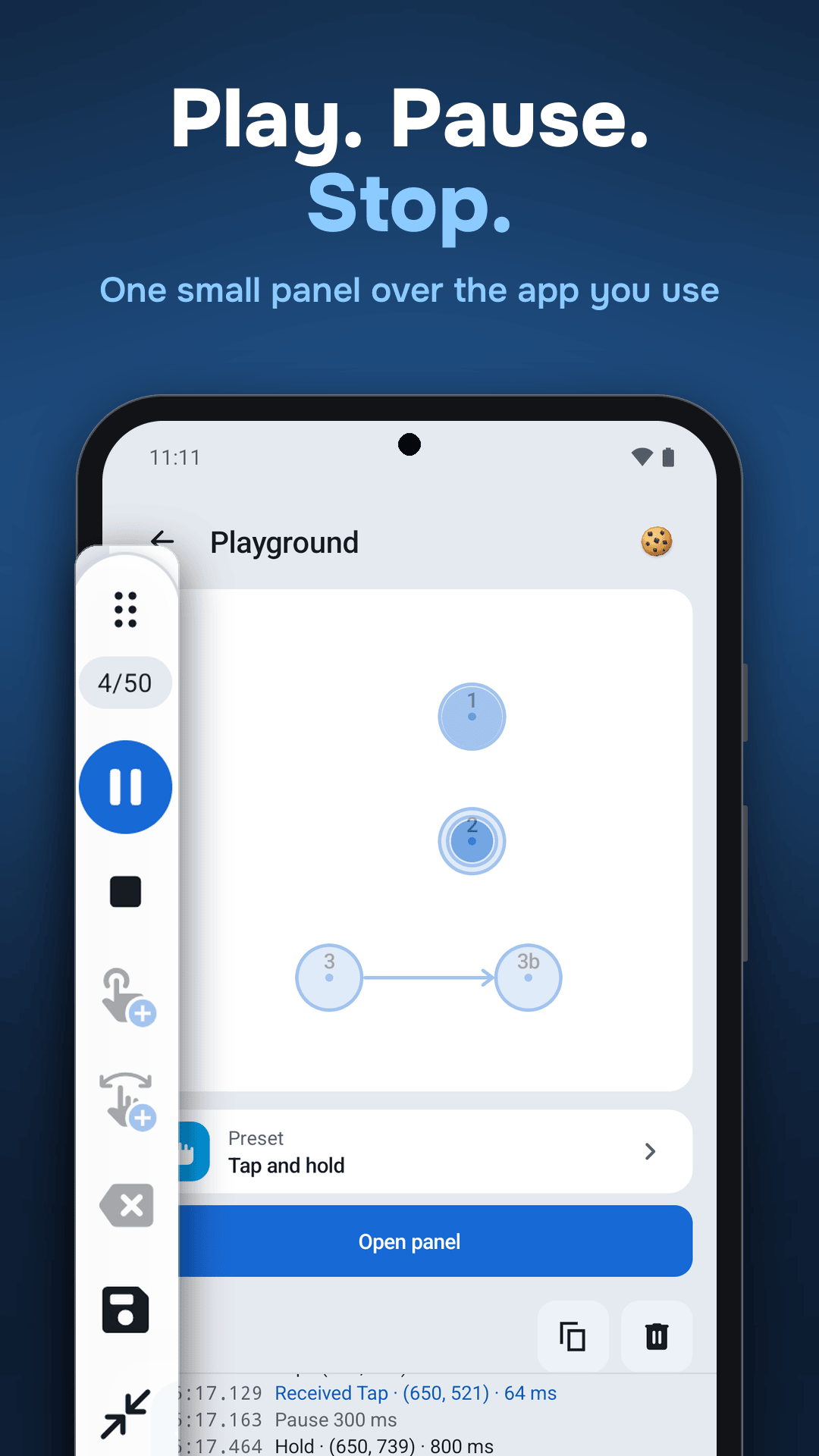
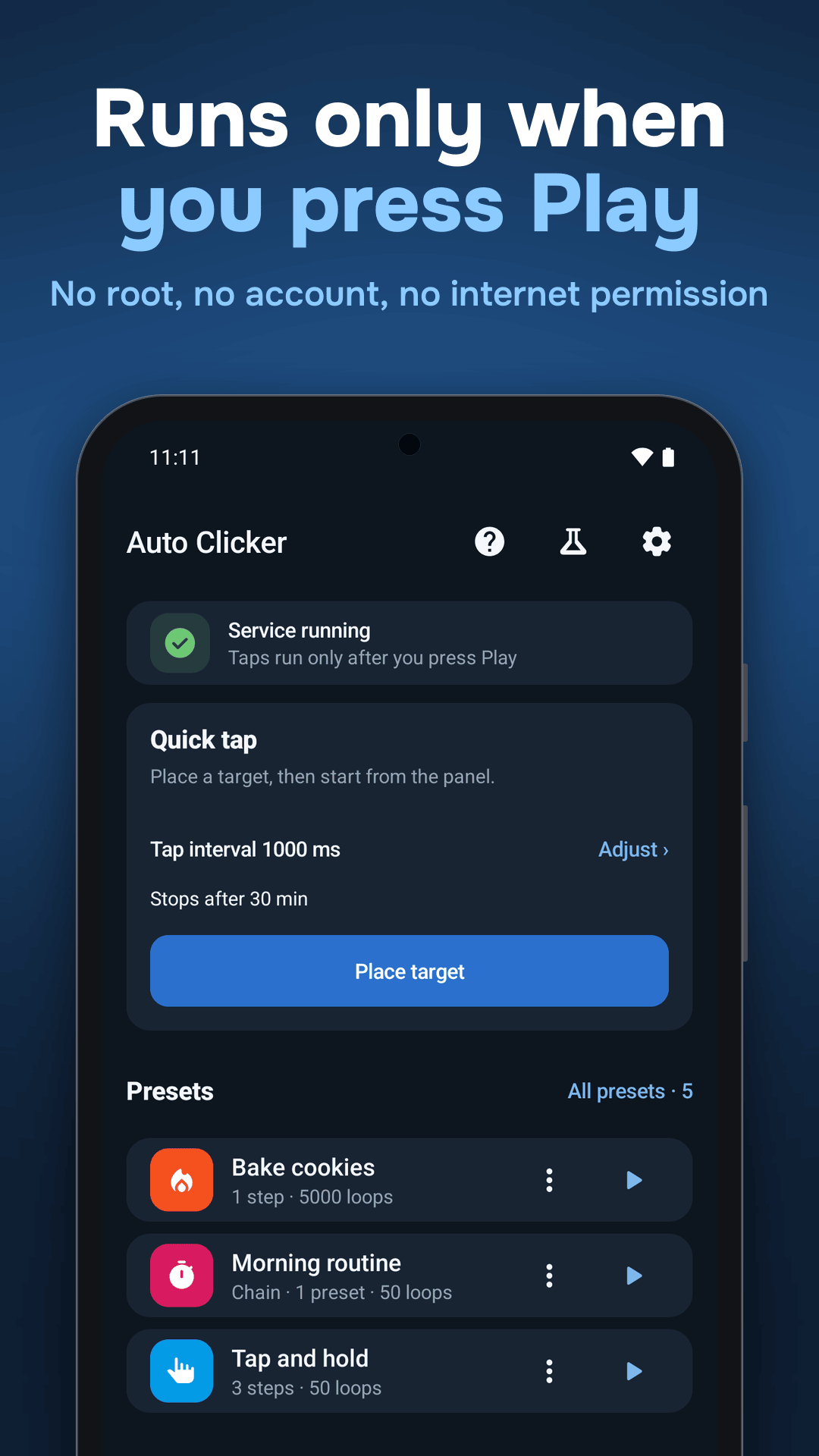
Auto Clicker: Auto Tap & Swipe repeats the taps, holds and swipes you set up, at the points you choose. Place targets from a small floating panel over the app you are using, press Play, and it runs your preset. No root needed.
Highlights
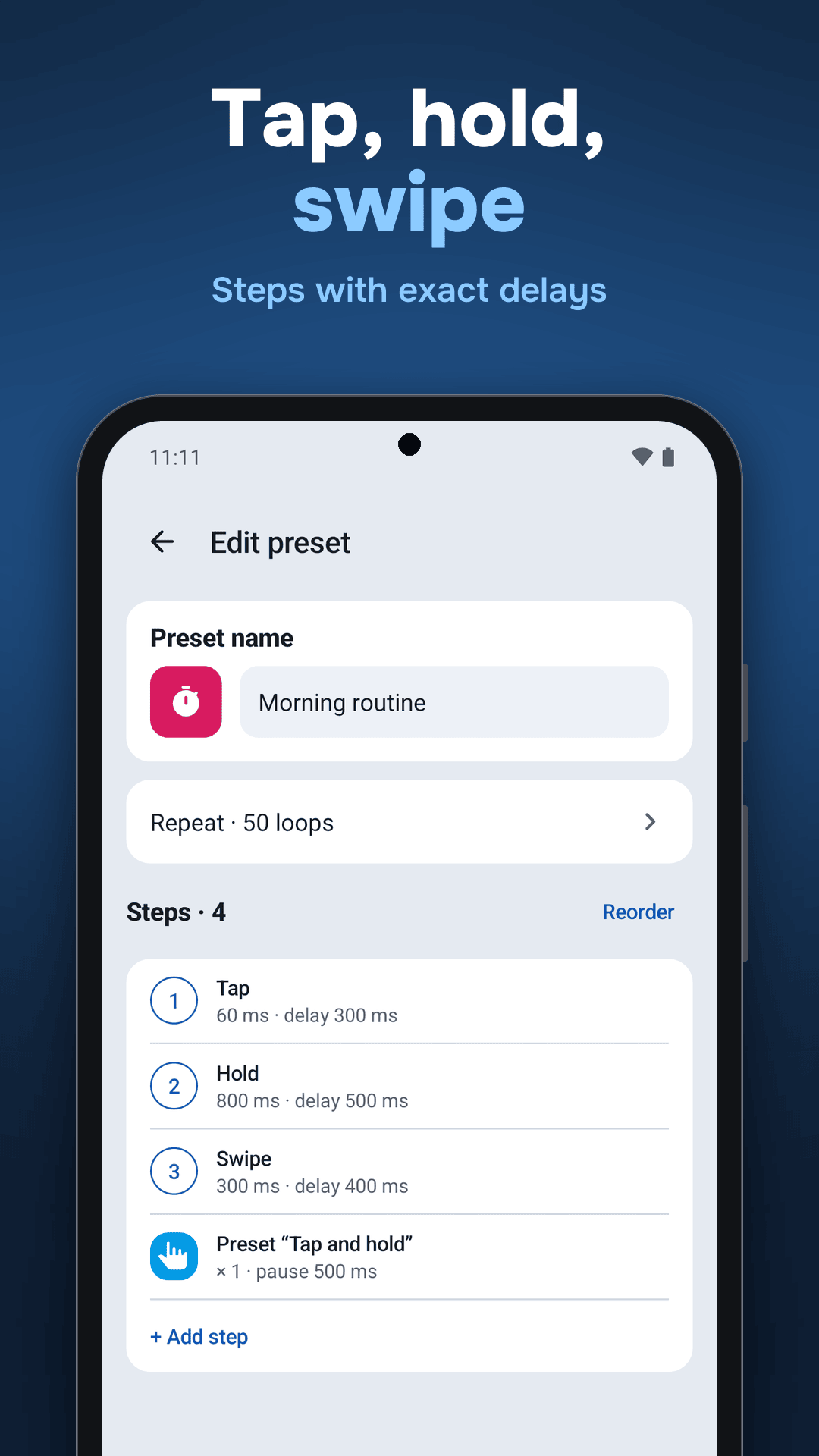
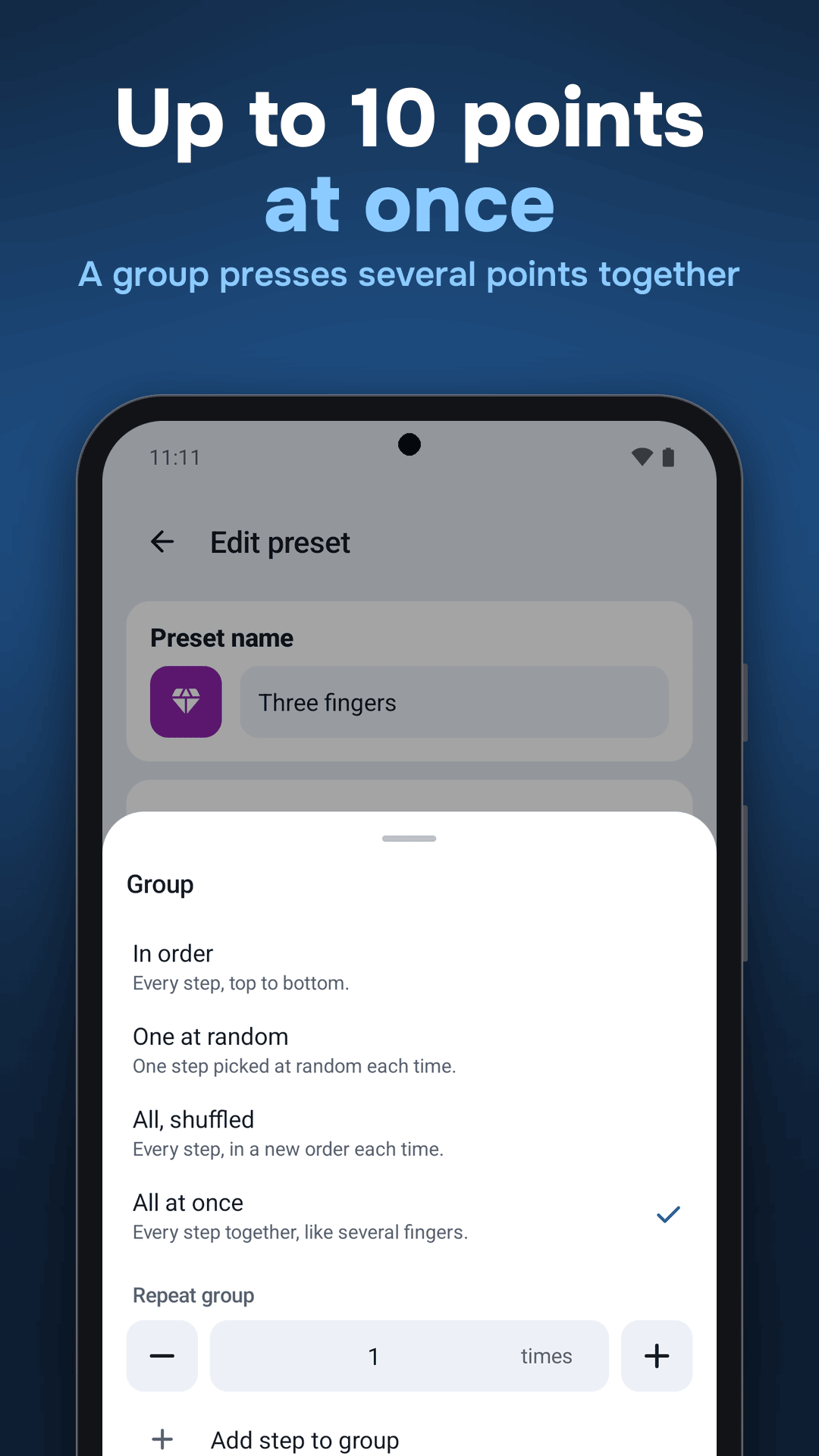
- Tap, hold, swipe, multi-finger: up to 10 touches at once, each with its own delay.
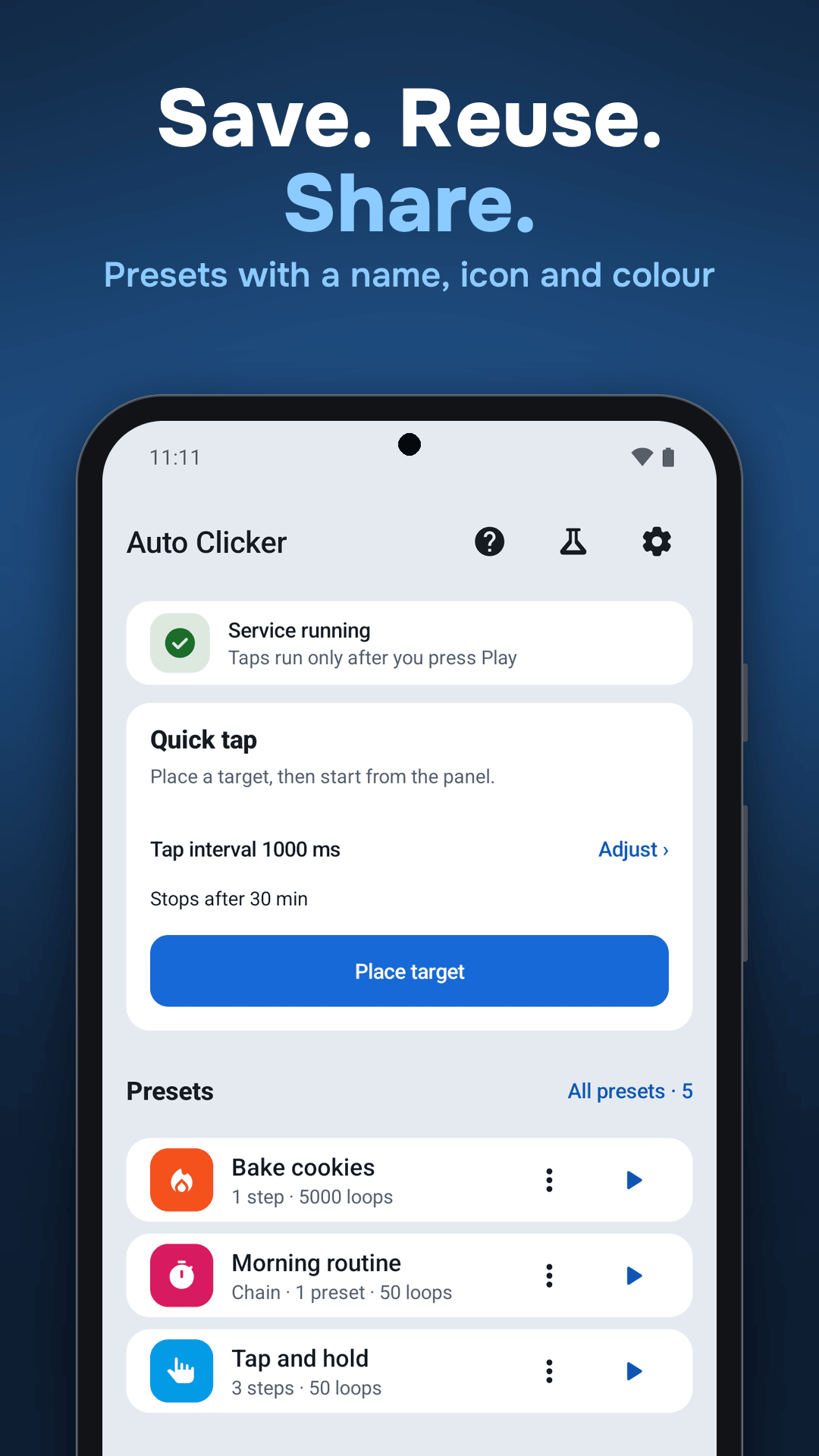
- Presets: save steps with a name, icon and colour and run them again any time.
- Groups: run steps in order, pick one at random, shuffle them, or press all at once.
- Chains: one preset can run another, with its own repeats and pause.
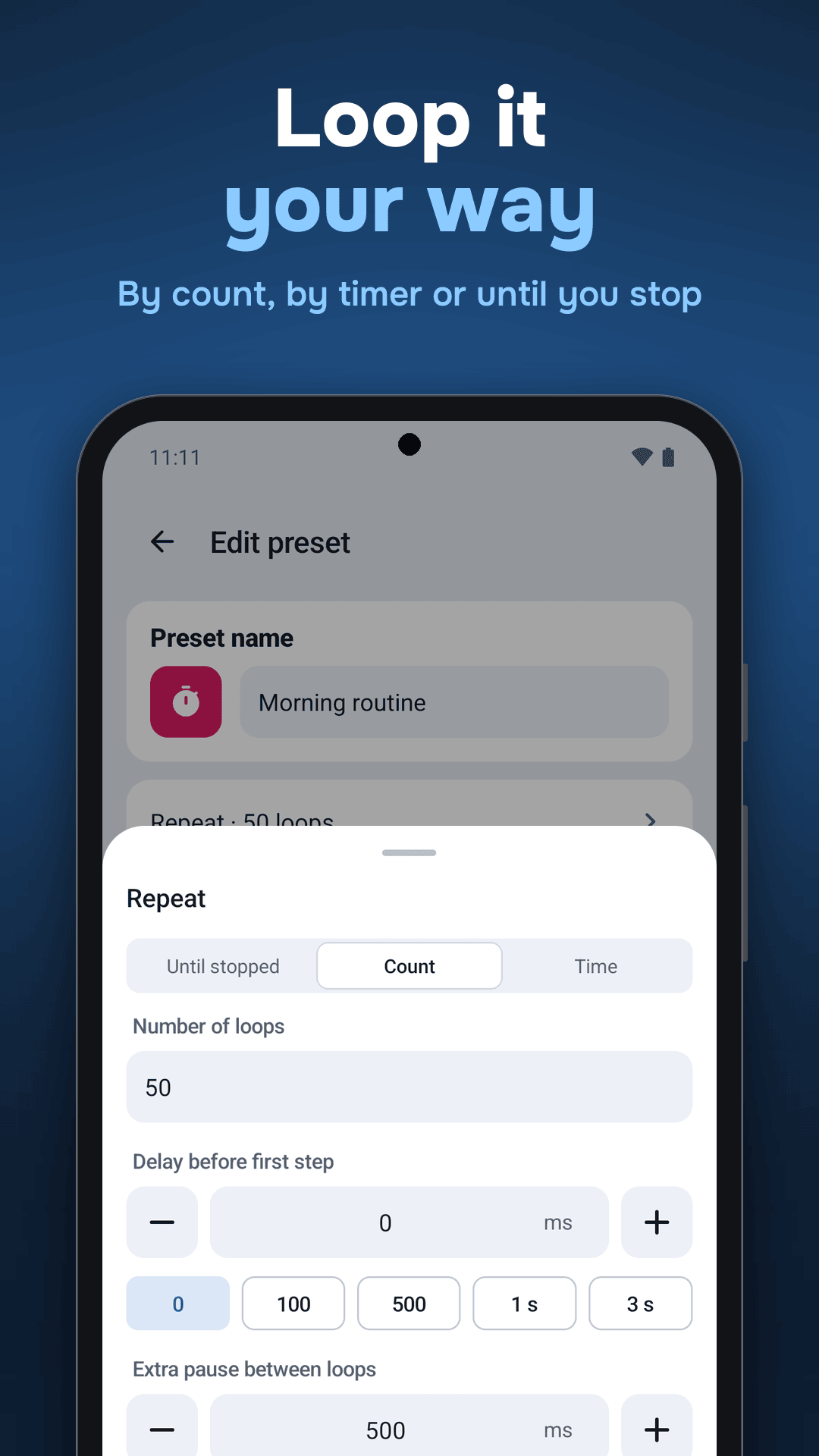
- Loops and timers: a number of loops, a set time up to 24 hours, or until you press Stop.
- Rules you set: a chance for each step and a small spread of delays and positions, all configured by you in advance.
- Gesture recording: tap, hold or swipe once with one finger and it is saved as a step.
- Quick tap: start from the app icon shortcut or the quick settings tile.
- Playground and Bakery: test a preset where every touch is drawn and logged, or on a small cookie game inside the app.
- Share presets: send a preset as a link or a file and import it on another phone.
Private by design
- No ads and nothing to buy.
- No internet permission. Data leaves the phone only if you share a preset.
- No account, no analytics, no third-party libraries.
- Light and dark themes, English and Russian interface.
Read more in An auto clicker with no ads, no SDKs and no internet.
Accessibility access
Auto Clicker uses an accessibility service only to perform the taps, holds and swipes you set up, after you press Play. It does not read screen content. In the app, press “Agree and open Settings”, then in Accessibility settings turn on ”! Auto Clicker 👆” (English) or ”! Автокликер 👆” (Russian). The ! and 👆 keep it near the top of the list.
Use it only where automation is allowed. Some apps forbid automated taps in their rules, and protected screens such as payments and passwords ignore them.
Set up the service or fix interruptions · Справка на русском