Dope Capybara
Menu
Year Progress: Habits & Goals icon
Productivity Android

Year Progress: Habits & Goals

Keep the year, your habits and the next important date in view.

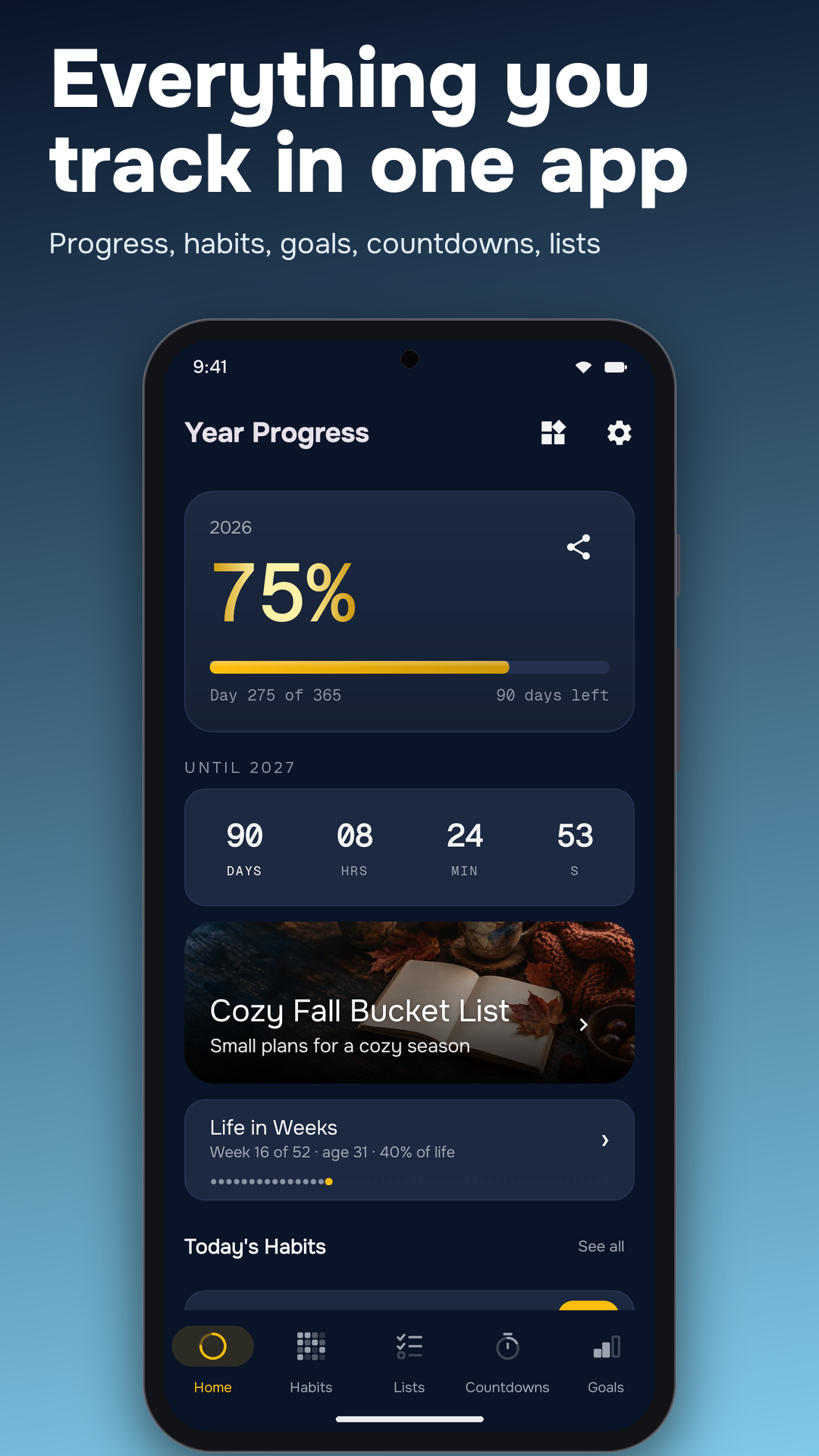
  • Year Progress dashboard with year percentage, time left and a goal prompt.
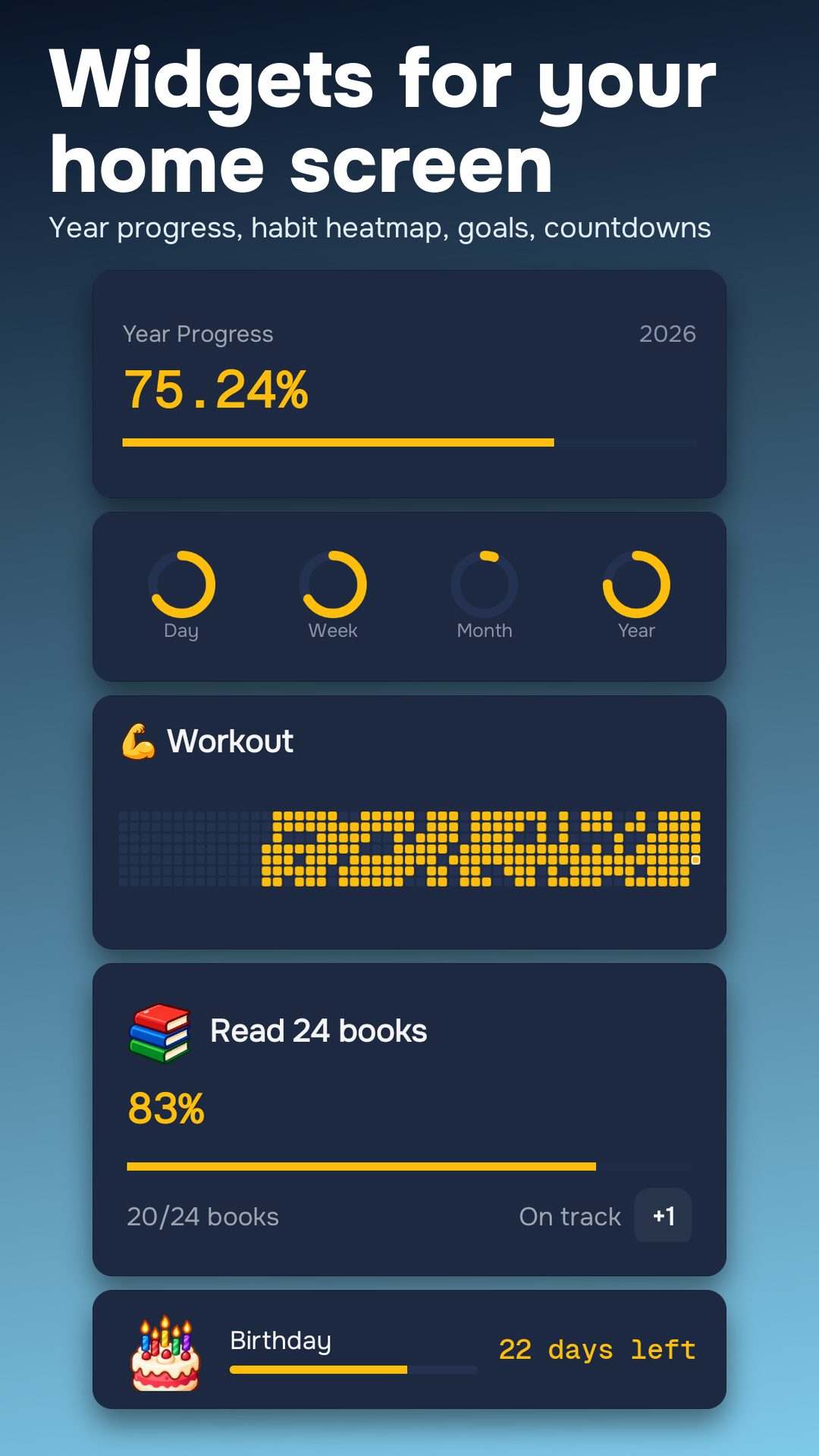
  • Two Year Progress widgets on an Android home screen.
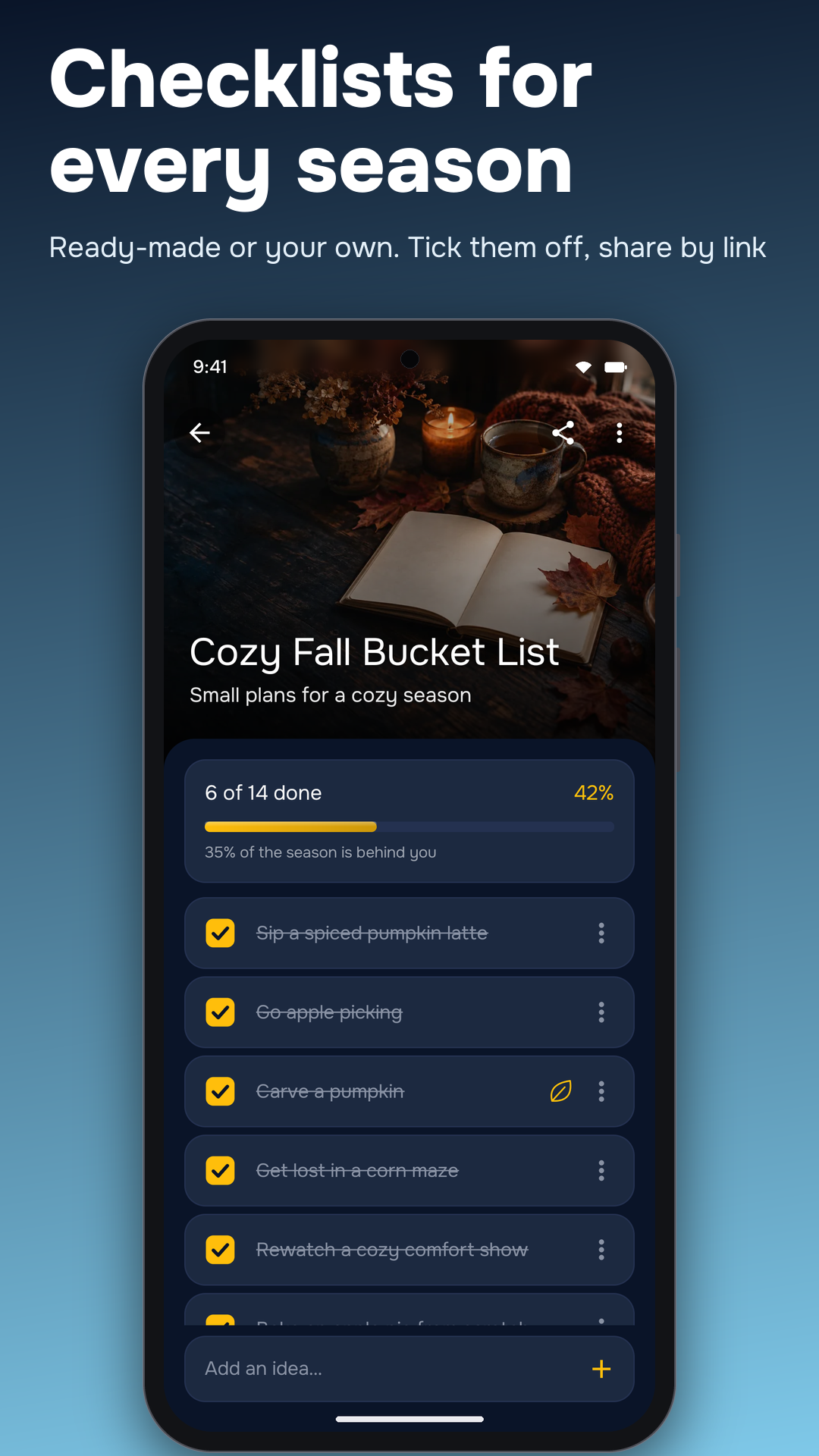
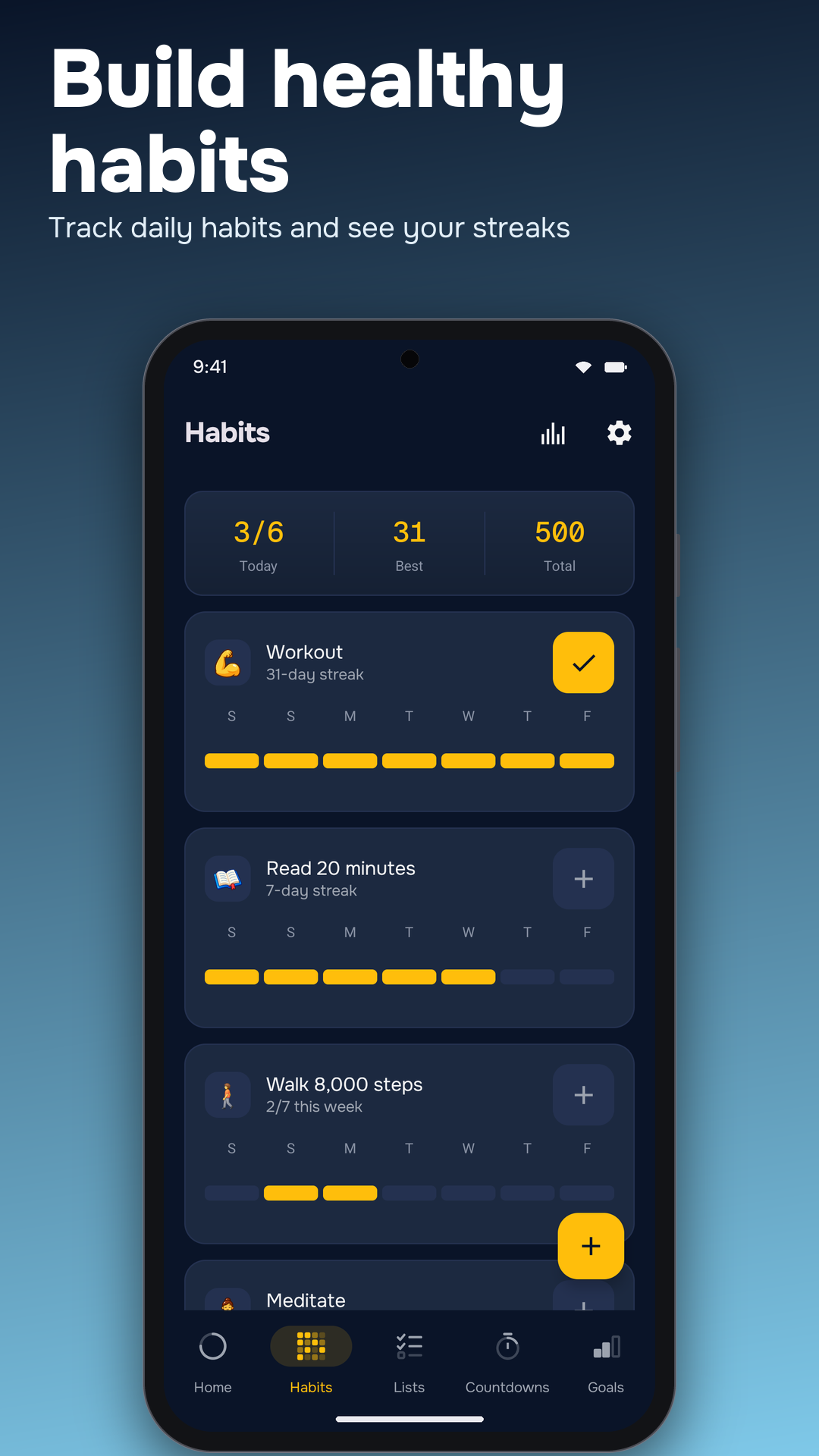
  • Habit tracker with daily check-ins, streaks and weekly progress.
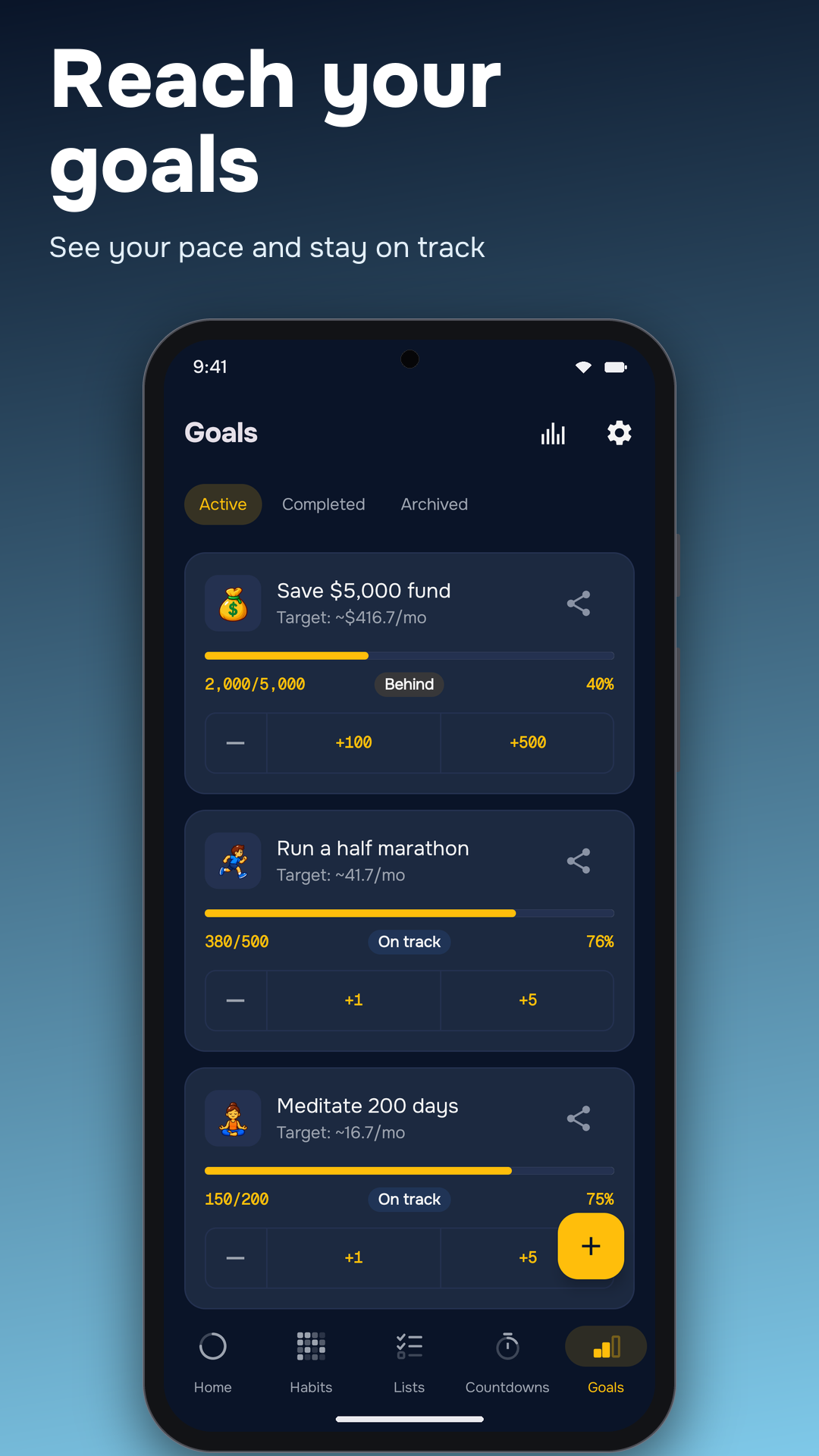
  • A goals list with completion bars for reading, meditation and writing.
  • The icon picker for personalizing habits, goals and countdowns.
  • Elapsed-day counters for past dates and personal milestones.
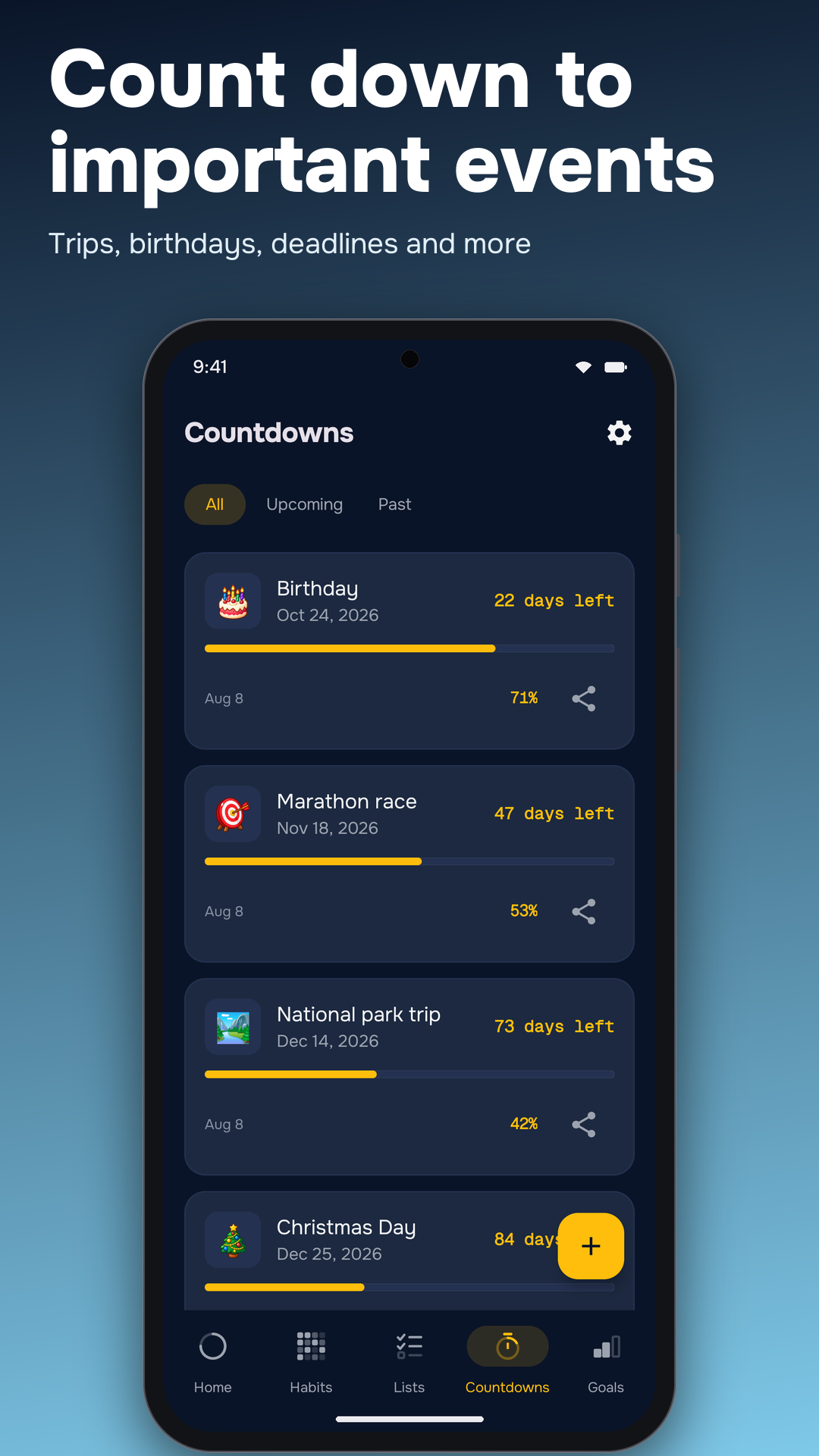
  • Countdowns to upcoming trips, birthdays and deadlines.
  • Year Progress in the light theme, showing the year percentage and Life in Weeks.

What it does

Year Progress puts the current year, your daily habits, your goals and the next important date in one place. See time as a ring, dots, a bar or a percentage, then put the view you use most on your home screen.

Highlights

  • Time at a glance: year, month, week and day progress, plus days until the next year
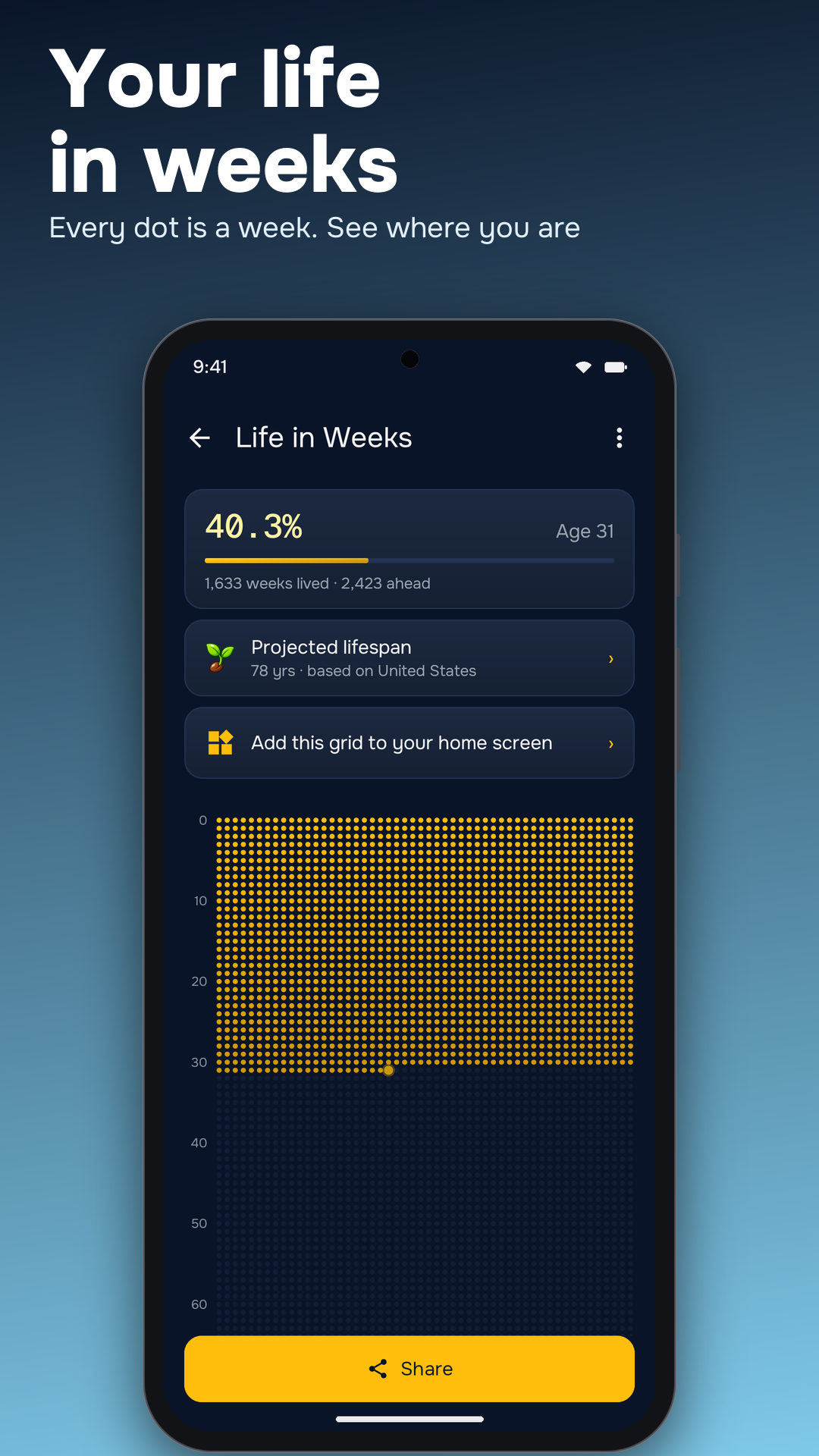
  • Life in Weeks: your whole life as a grid of weeks, inspired by Tim Urban’s “Your Life in Weeks”
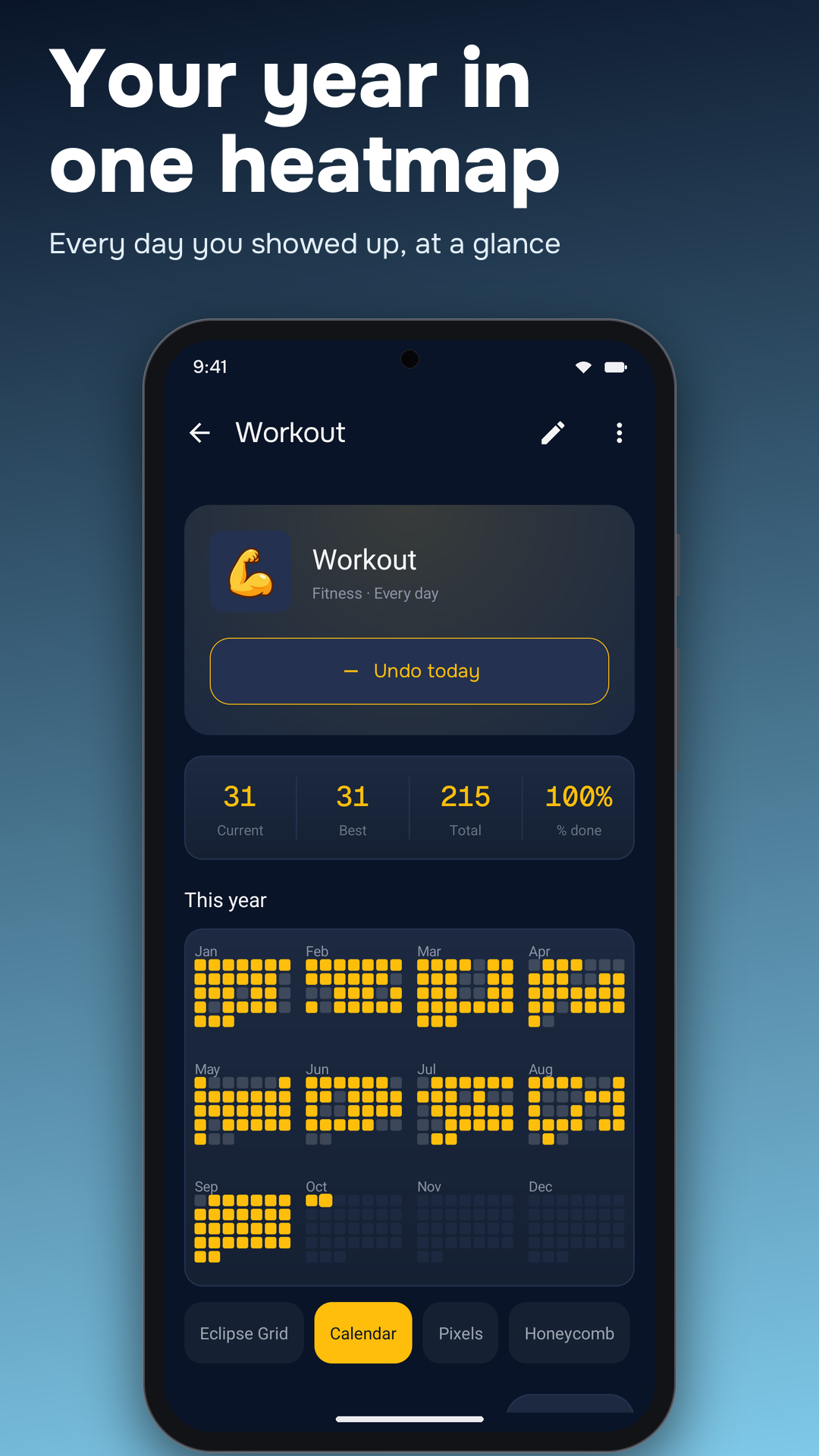
  • Habit tracker: daily check-ins, streaks, reminders, mood logging and a yearly heatmap; fill in a missed day when needed
  • Goals: track completion and pace toward a monthly, yearly or custom deadline
  • Countdowns and elapsed days: follow trips, birthdays and exams, or count from a meaningful past date
  • Over 15 widgets: progress, goals, habits, heatmaps, streaks, countdowns and more, with individual colors and styles
  • Year in Review: stats and completed goals collected into shareable recap cards
  • Personalization: icons, colors, light and dark themes, plus a two-pane layout on tablets
  • Backup and restore: export your entries to a file and import them later
  • Offline-first: core tracking works offline; no account or sign-up, and your entries stay on your device

Why we built it

We wanted a way to keep long-term plans visible during an ordinary day. A small widget can show that a habit is waiting, a deadline is approaching or a goal is moving forward, without making you open a calendar.

Try it on the web first

No install needed. Play with the free web versions: how much of the year is left and the life in weeks calculator.

Frequently asked questions

How much of the year is left?
Year Progress shows the percentage of the current year elapsed and remaining, plus days until the next year. It also tracks month, week and day progress. You can try the free year-progress calculator on our tools page.
Is Year Progress free?
Year Progress is free to download and includes ads and optional in-app purchases. Current upgrade options and prices appear inside the app.
Does it have home screen widgets?
There are over 15 widgets for year progress, goals, habits, a yearly habit heatmap, streaks, countdowns, Life in Weeks and more. Set each widget's colors and style separately, and check off a habit from the home screen.
Does it work offline?
Yes. Core tracking works offline with no account or sign-up, and your goals, habits, countdowns and notes stay on your device. The app uses limited analytics, diagnostics, ads and billing connections as described in our Privacy Policy.
What is the Life in Weeks view?
Life in Weeks shows your whole life as a grid of weeks, inspired by Tim Urban's "Your Life in Weeks," so you can see how many weeks you have lived and how many remain.
Can I back up my goals and habits?
Yes. Export a backup file from the app and restore it later. Your tracking entries stay on your device, and no account is required.