Dope Capybara
Menu
QR Code Scanner: Link Preview icon
Tools Android

QR Code Scanner: Link Preview

Scan any QR code and see where the link really goes, before it ever opens.

What it does

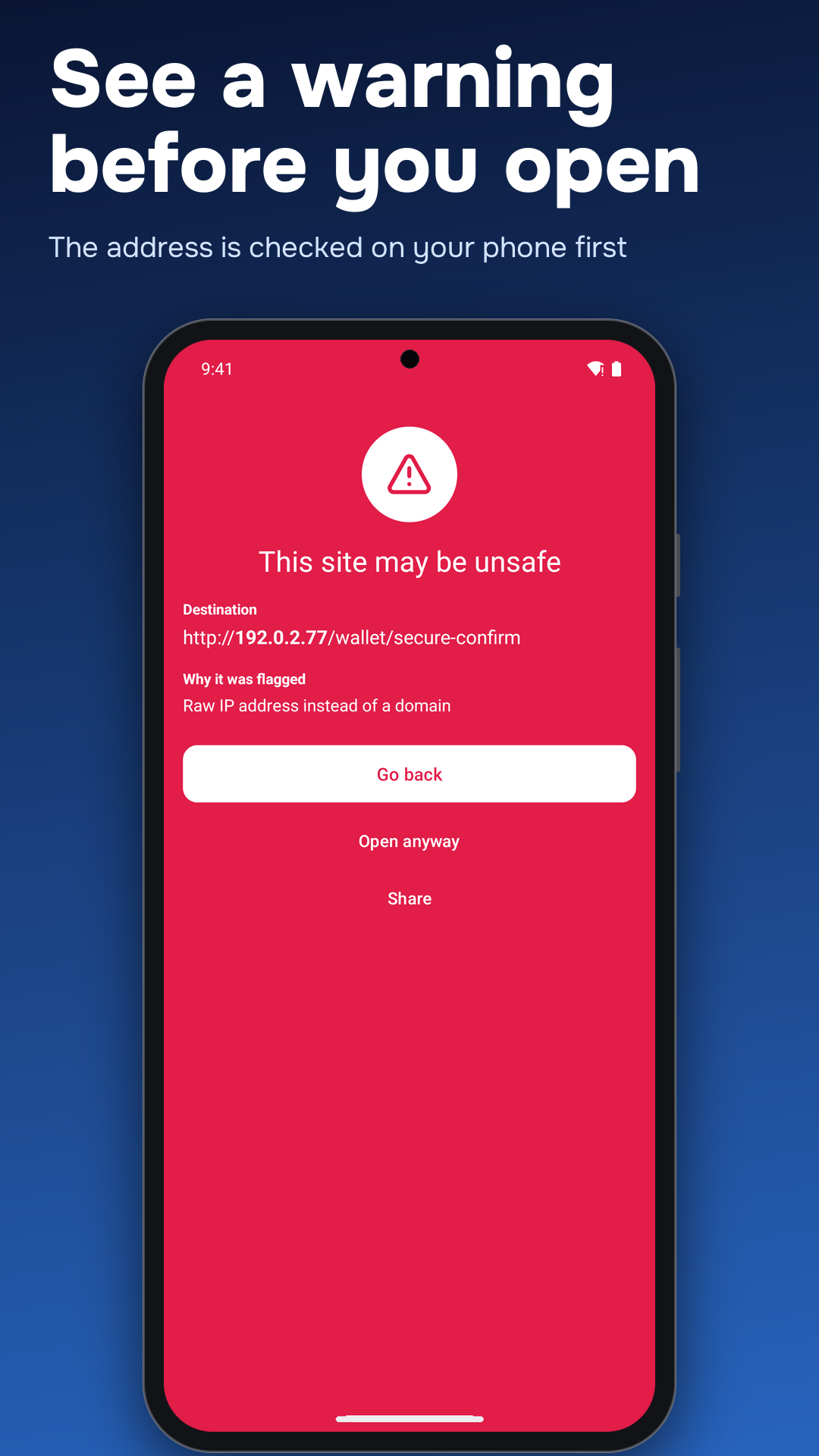
Most scanners open whatever a code points at. This one stops first: it shows the full address with the domain highlighted, grades the link locally and lists the reasons, so a code on a poster or in a chat cannot walk you into a fake login page. A dangerous link gets its own full-screen warning.

Highlights

  • Link first, then decide: the whole destination is shown before anything opens
  • Safety grade with reasons: a raw IP address, login-bait words, high-risk domain endings, look-alike characters or no HTTPS are named, not hidden in a score
  • Link checker: share a link from any chat or browser into the app to get the same grade
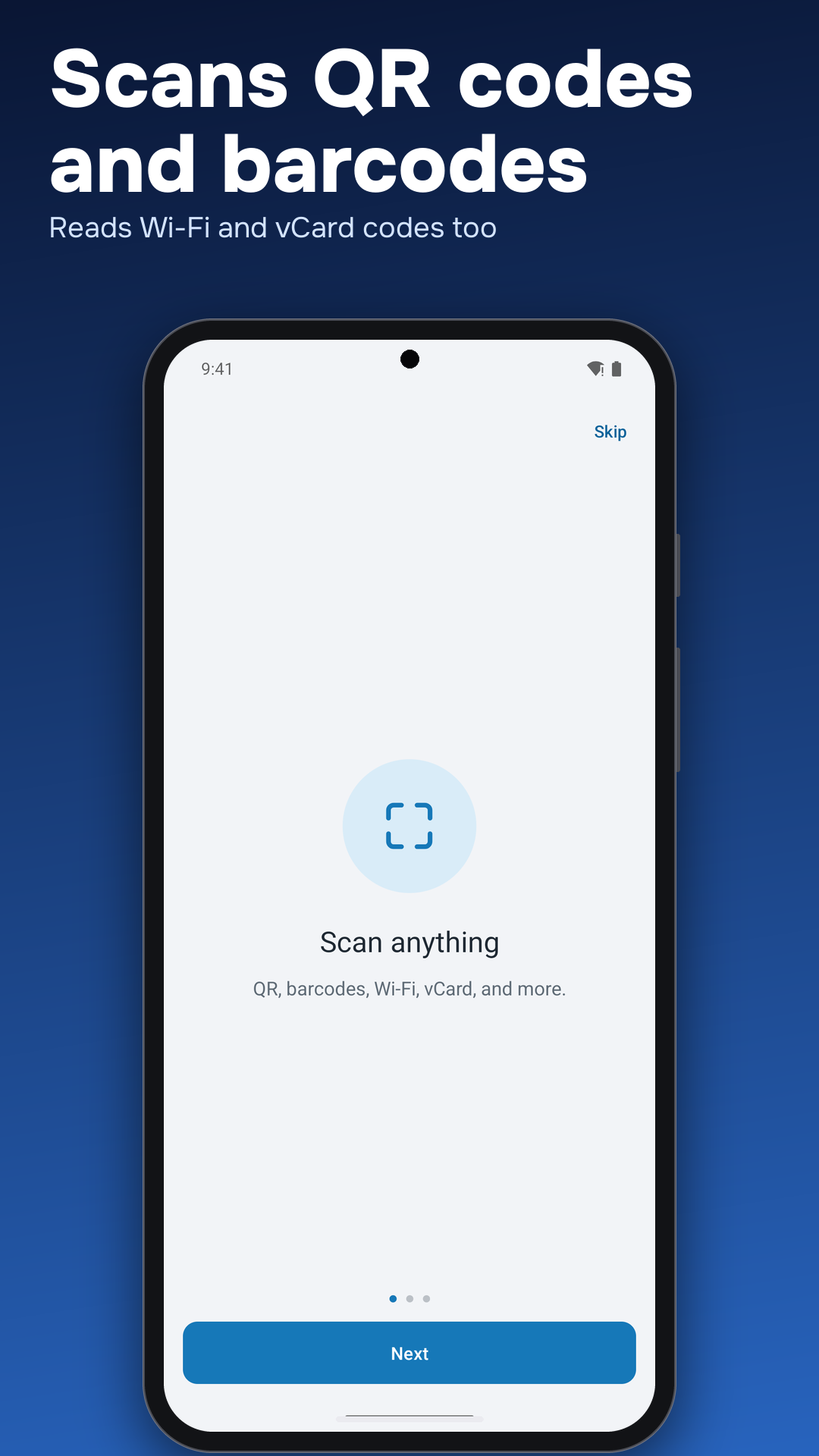
  • Scan more than links: Wi-Fi, contacts, email, phone, SMS, location, calendar events, text and product barcodes
  • Batch scan, gallery scan, flashlight and zoom
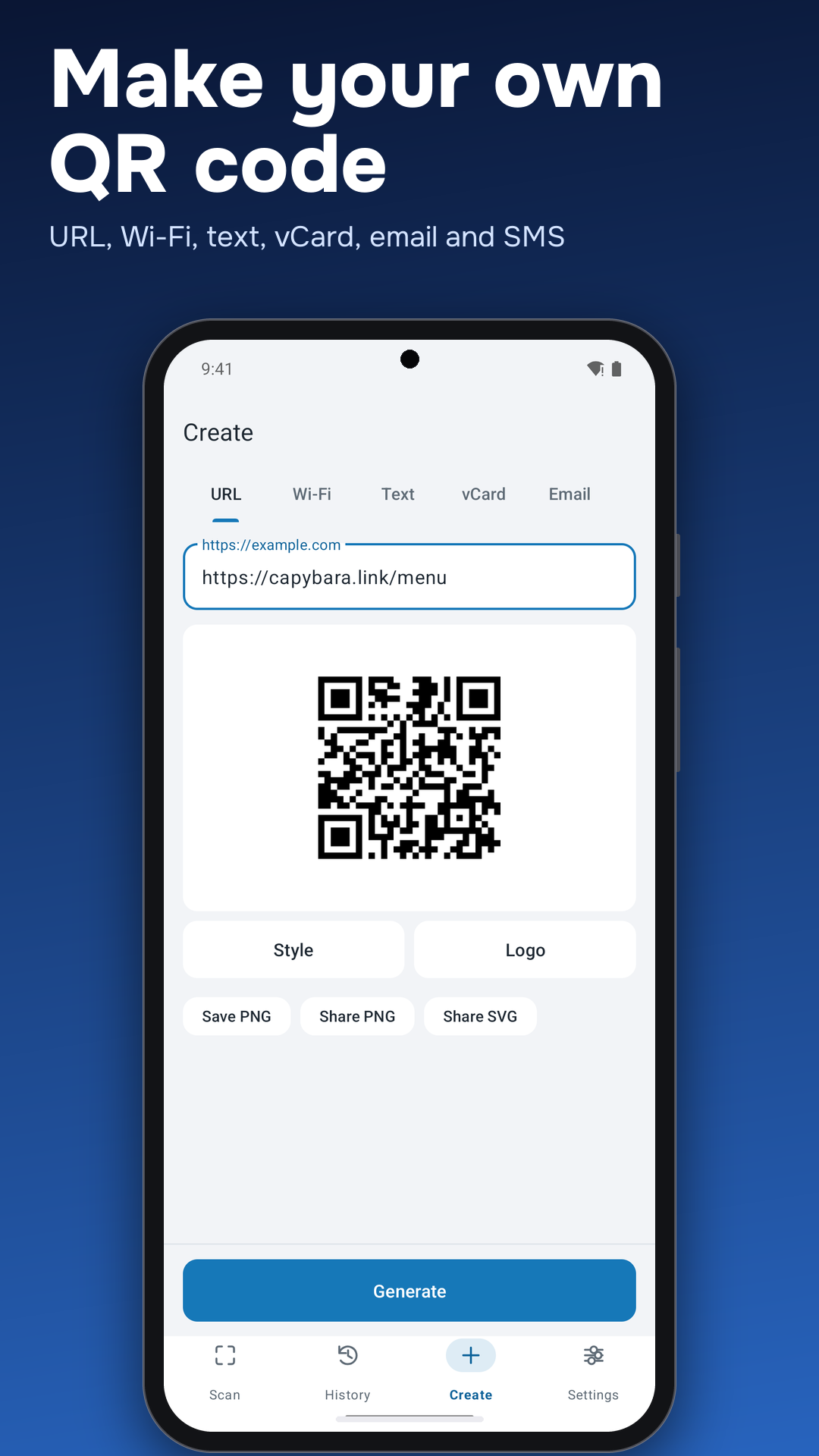
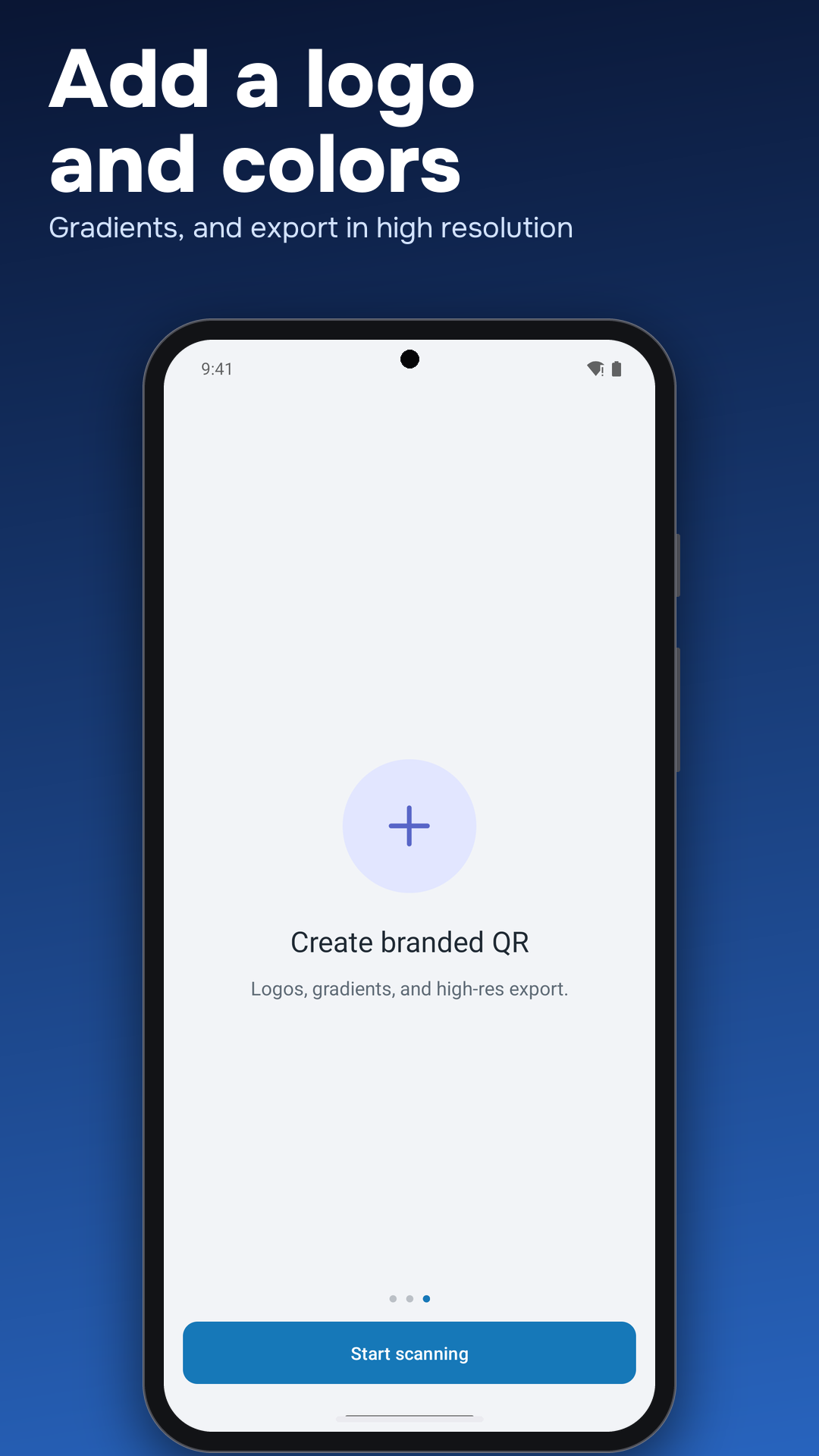
  • Create codes: links, Wi-Fi, contact cards, email, SMS, phone, map location or text, with colors, gradients, a center logo and error-correction level; save as PNG or share as SVG
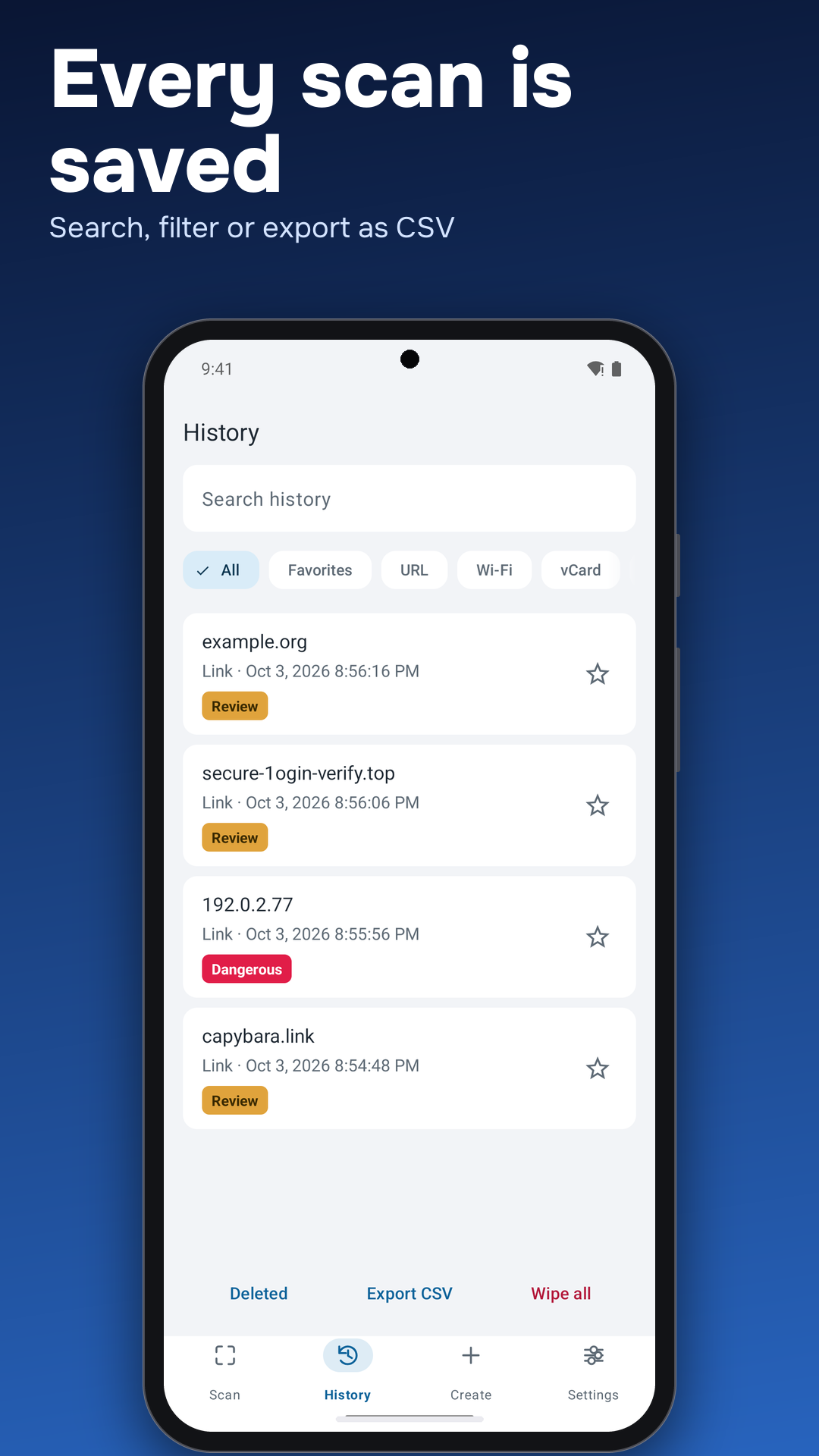
  • History: search, filters, favorites, trash and CSV export
  • Private by default: the local check needs no internet and there is no account

Made for

  • Checking a code on a parking meter, restaurant table or parcel label before trusting it
  • Reviewing links friends send you as QR codes or screenshots
  • Making your own QR codes for menus, Wi-Fi sharing or contact details

Frequently asked questions

Does the scanner open links on its own?
No. It shows the full destination and the reasons for its grade first, and you decide whether to open it.
Can it check a QR code for phishing?
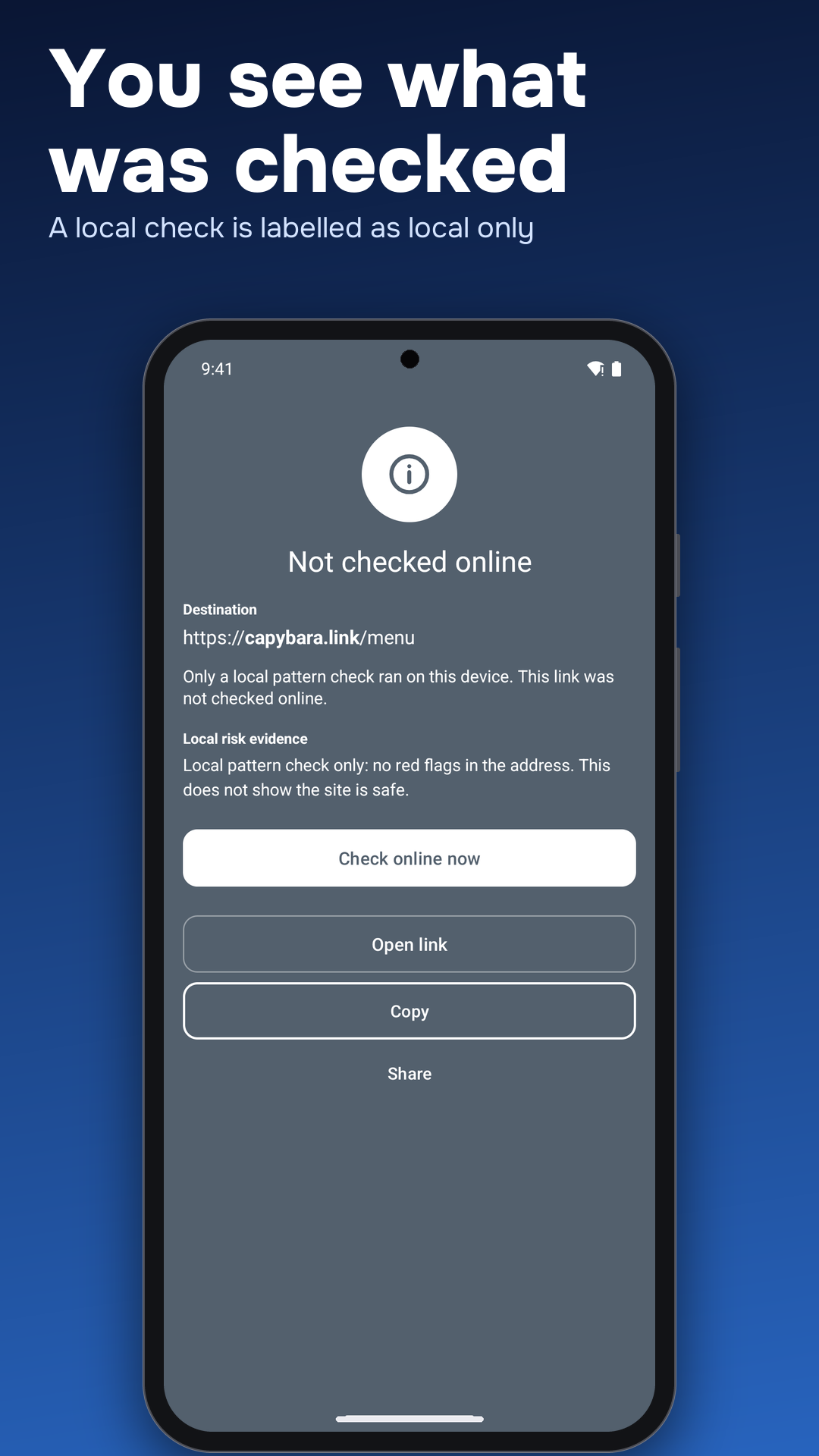
It flags common signs of a fake login page, such as a raw IP address instead of a domain, login-bait words, high-risk domain endings, look-alike characters or no HTTPS. An optional online check can add more. No check is perfect, so read the reasons before you open anything.
Does it send my scans anywhere?
Not by default. The local risk check runs on your device and needs no internet. The optional online Web Risk check is off until you turn it on, and when it is on the full link, including its path and query, is sent to Google.
Can I scan a QR code from a screenshot or photo?
Yes. Pick an image from your gallery and the app reads the code in it.
Is the app free?
The free version shows ads and keeps your last 50 scans. Pro is a one-time purchase, not a subscription. It removes ads and adds branded QR styles, SVG and CSV export, history without the 50-item cap and an AMOLED theme.
Do I need an account?
No. There is no sign-up, and your history stays on the phone.